Model weights · YOLOE
Download YOLOE weights
An open-vocabulary detector and instance segmenter: name a class in plain text, give it a visual example, or run its built-in vocabulary prompt-free, and it finds and masks the objects, at YOLO speed. Pick a size below and download the official .pt checkpoint in one click, with published COCO accuracy, size and license all in view.
Licensing. Ultralytics YOLO models are AGPL-3.0. Review Ultralytics licensing before you use them, particularly in a closed-source product, where an Enterprise license is required. Everything published on this site is released under MIT or Apache-2.0, with minimal paid features. Full licensing notes.
YOLOE checkpoints, pick a size and download
An open-vocabulary detector and instance segmenter: name a class in plain text, give it a visual example, or run its built-in vocabulary prompt-free, and it finds and masks the objects, at YOLO speed.
YOLOE runs through the Ultralytics package, so its AGPL-3.0 terms reach your application: free for open-source and research, but closed-source commercial use needs an Ultralytics Enterprise license. The MobileCLIP text encoder it uses is separately MIT-licensed.
- YOLOE-11S-segyoloe-11s-seg.pt
- YOLOE-11M-segyoloe-11m-seg.pt
- YOLOE-11L-segyoloe-11l-seg.pt
- LVIS mAP
- 35.2
- Params
- 26.2M
- YOLOE-v8S-segyoloe-v8s-seg.pt
- YOLOE-v8M-segyoloe-v8m-seg.pt
- YOLOE-v8L-segyoloe-v8l-seg.pt
- YOLOE-26N-segyoloe-26n-seg.pt
- YOLOE-26S-segyoloe-26s-seg.pt
- LVIS mAP
- 29.9
- YOLOE-26M-segyoloe-26m-seg.pt
- YOLOE-26L-segyoloe-26l-seg.pt
- LVIS mAP
- 36.8
- Params
- 32.3M
- YOLOE-26X-segyoloe-26x-seg.pt
- YOLOE-11S-seg · prompt-freeyoloe-11s-seg-pf.pt
- YOLOE-11M-seg · prompt-freeyoloe-11m-seg-pf.pt
- YOLOE-11L-seg · prompt-freeyoloe-11l-seg-pf.pt
- YOLOE-v8S-seg · prompt-freeyoloe-v8s-seg-pf.pt
- YOLOE-v8M-seg · prompt-freeyoloe-v8m-seg-pf.pt
- YOLOE-v8L-seg · prompt-freeyoloe-v8l-seg-pf.pt
- YOLOE-26N-seg · prompt-freeyoloe-26n-seg-pf.pt
- YOLOE-26S-seg · prompt-freeyoloe-26s-seg-pf.pt
- YOLOE-26M-seg · prompt-freeyoloe-26m-seg-pf.pt
- YOLOE-26L-seg · prompt-freeyoloe-26l-seg-pf.pt
- YOLOE-26X-seg · prompt-freeyoloe-26x-seg-pf.pt
| Model | LVIS mAP | Params | Download |
|---|---|---|---|
YOLOE-11S-seg yoloe-11s-seg.pt | |||
YOLOE-11M-seg yoloe-11m-seg.pt | |||
YOLOE-11L-seg yoloe-11l-seg.pt | 35.2 | 26.2M | |
YOLOE-v8S-seg yoloe-v8s-seg.pt | |||
YOLOE-v8M-seg yoloe-v8m-seg.pt | |||
YOLOE-v8L-seg yoloe-v8l-seg.pt | |||
YOLOE-26N-seg yoloe-26n-seg.pt | |||
YOLOE-26S-seg yoloe-26s-seg.pt | 29.9 | ||
YOLOE-26M-seg yoloe-26m-seg.pt | |||
YOLOE-26L-seg yoloe-26l-seg.pt | 36.8 | 32.3M | |
YOLOE-26X-seg yoloe-26x-seg.pt | |||
YOLOE-11S-seg · prompt-free yoloe-11s-seg-pf.pt | |||
YOLOE-11M-seg · prompt-free yoloe-11m-seg-pf.pt | |||
YOLOE-11L-seg · prompt-free yoloe-11l-seg-pf.pt | |||
YOLOE-v8S-seg · prompt-free yoloe-v8s-seg-pf.pt | |||
YOLOE-v8M-seg · prompt-free yoloe-v8m-seg-pf.pt | |||
YOLOE-v8L-seg · prompt-free yoloe-v8l-seg-pf.pt | |||
YOLOE-26N-seg · prompt-free yoloe-26n-seg-pf.pt | |||
YOLOE-26S-seg · prompt-free yoloe-26s-seg-pf.pt | |||
YOLOE-26M-seg · prompt-free yoloe-26m-seg-pf.pt | |||
YOLOE-26L-seg · prompt-free yoloe-26l-seg-pf.pt | |||
YOLOE-26X-seg · prompt-free yoloe-26x-seg-pf.pt |
YOLOE encodes text prompts with Apple's MobileCLIP (MIT-licensed). Ultralytics downloads mobileclip_blt.ts automatically on first use, and it is fetched alongside any text-prompt checkpoint here. The prompt-free (-pf) checkpoints don't need it.
Scores are LVIS mAP at 640px, published by the authors. Weights host: github.com. Clicking Download verifies the file and starts it straight from the official CDN.
How to load YOLOE weights
YOLOE is not part of the Ultralytics ecosystem, so it does not load with the YOLO loader. Set up the official repo, then point it at the checkpoint you downloaded above.
pip install ultralyticsfrom ultralytics import YOLOE
# Text-prompt open-vocabulary detection + segmentation.
# get_text_pe() encodes the class names with MobileCLIP (downloaded on first use).
model = YOLOE("yoloe-11l-seg.pt")
names = ["person", "bus"]
model.set_classes(names, model.get_text_pe(names))
results = model.predict("image.jpg")
# Or run a prompt-free checkpoint with its built-in vocabulary (no MobileCLIP):
# model = YOLOE("yoloe-11l-seg-pf.pt")
# results = model.predict("image.jpg")Want to see the architecture? Export to ONNX and open it in the ONNX visualizer for a labelled diagram with shapes and parameter counts.
Open visualizer →Text/visual prompt vs prompt-free: which YOLOE do you want?
Every YOLOE size ships in two modes. Pick the mode first, then the size. The seg checkpoints do detection and instance segmentation from the same file.
- 1You want to detect your own classes by typing their names
These take class names, or a visual example, at runtime via set_classes(). This is the open-vocabulary mode, and text prompts need the MobileCLIP text encoder below.
A text/visual-prompt checkpoint (e.g. yoloe-11l-seg.pt) - 2You want good zero-setup detection with no prompt at all
The -pf variants carry a large built-in vocabulary and run straight out of the box, with no prompt and no MobileCLIP download.
A prompt-free checkpoint (the -pf files) - 3You are unsure which backbone to pick
The YOLO11 and YOLO26 backbones are the most efficient here. YOLOE-11L posts 35.2 LVIS mAP at 26.2M params; YOLOE26-L pushes that to 36.8 LVIS mAP. The v8 variants are there for the older ecosystem.
Start with an 11-series (yoloe-11l-seg.pt) or the newer 26-series
Published accuracy exists mainly for the large sizes (YOLOE-11L: 52.6 COCO / 35.2 LVIS mAP, 26.2M params; YOLOE26-L: 36.8 LVIS mAP, 32.3M; YOLOE26-S: 29.9 LVIS mAP). The smaller sizes download and run the same way; the authors just did not publish a full per-size table, so those rows list no number rather than a guessed one.
Choosing a YOLOE checkpoint
Read off the table above: what each step up the size ladder costs and returns for this family specifically, where it stops being worth it, and what the license actually permits.
What the size ladder buys
YOLOE spans YOLOE-11L-seg at 26.2M parameters to YOLOE-26L-seg at 32.3M, 1.2× the model, for 1.6 more LVIS mAP (35.2 to 36.8). That works out to roughly 0.26 points per additional million parameters across the whole range, across the family's only step. Published figures from Tsinghua University (THU-MIG) at 640px, not re-measured here.
Licensing, in practice
The weights are AGPL-3.0. AGPL-3.0 is free for open-source, research and internal use; a closed-source commercial product needs an Ultralytics Enterprise license.
About YOLOE
YOLOE ("Real-Time Seeing Anything") brings open-vocabulary detection and segmentation to the YOLO speed regime. It ships in two styles: text/visual-prompt checkpoints that take class names or example boxes at runtime, and prompt-free (-pf) checkpoints that carry a large built-in vocabulary and run with no prompt at all. It is built on the YOLO11, YOLOv8 and YOLO26 backbones and integrated into the Ultralytics package. Text prompts are encoded with MobileCLIP, so running YOLOE on your own class names also needs the MobileCLIP text encoder below, which Ultralytics fetches automatically on first use. Every checkpoint here does detection and instance masks together.
- Author
- Tsinghua University (THU-MIG)
- Released
- 2025
- Tasks
- Open-vocab detect, Segment
- Framework
- Ultralytics (PyTorch)
- Input size
- 640px
- License
- AGPL-3.0
More model weights to download
Each page lists every checkpoint with accuracy, parameters, license and a one-click download.
From the blog
Tutorials, code, and notes on computer vision, deep learning, and applied AI.
 Depth EstimationJuly 27, 2026
Video Depth Anything in Python: consistent depth for video
 YOLO26July 19, 2026
YOLO26 vs YOLO11 vs YOLOv8: which one should you use?
 Object TrackingJuly 18, 2026
How to use ByteTrack with YOLO for object tracking in Python
 Semantic SearchJuly 6, 2026
Build a semantic image search engine with CLIP and Python
 YOLO26July 3, 2026
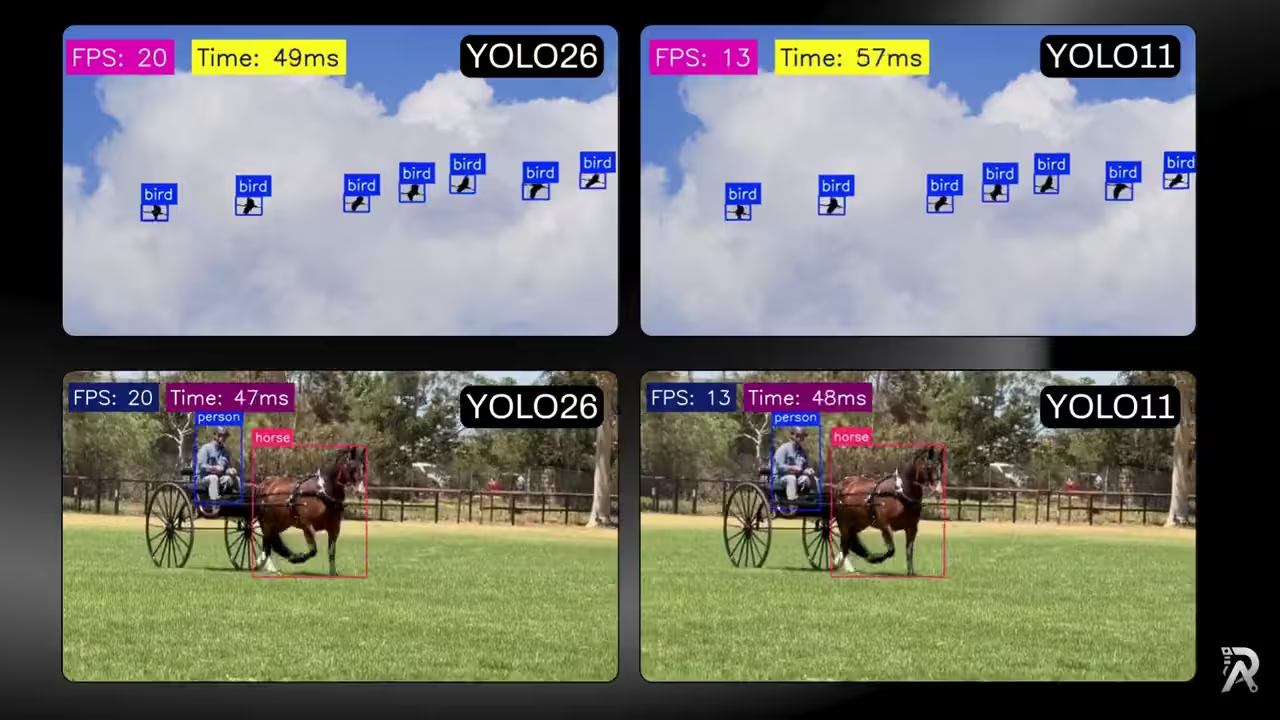
YOLO26 vs YOLO11: ONNX speed, FPS and latency benchmark
 Depth EstimationJuly 1, 2026
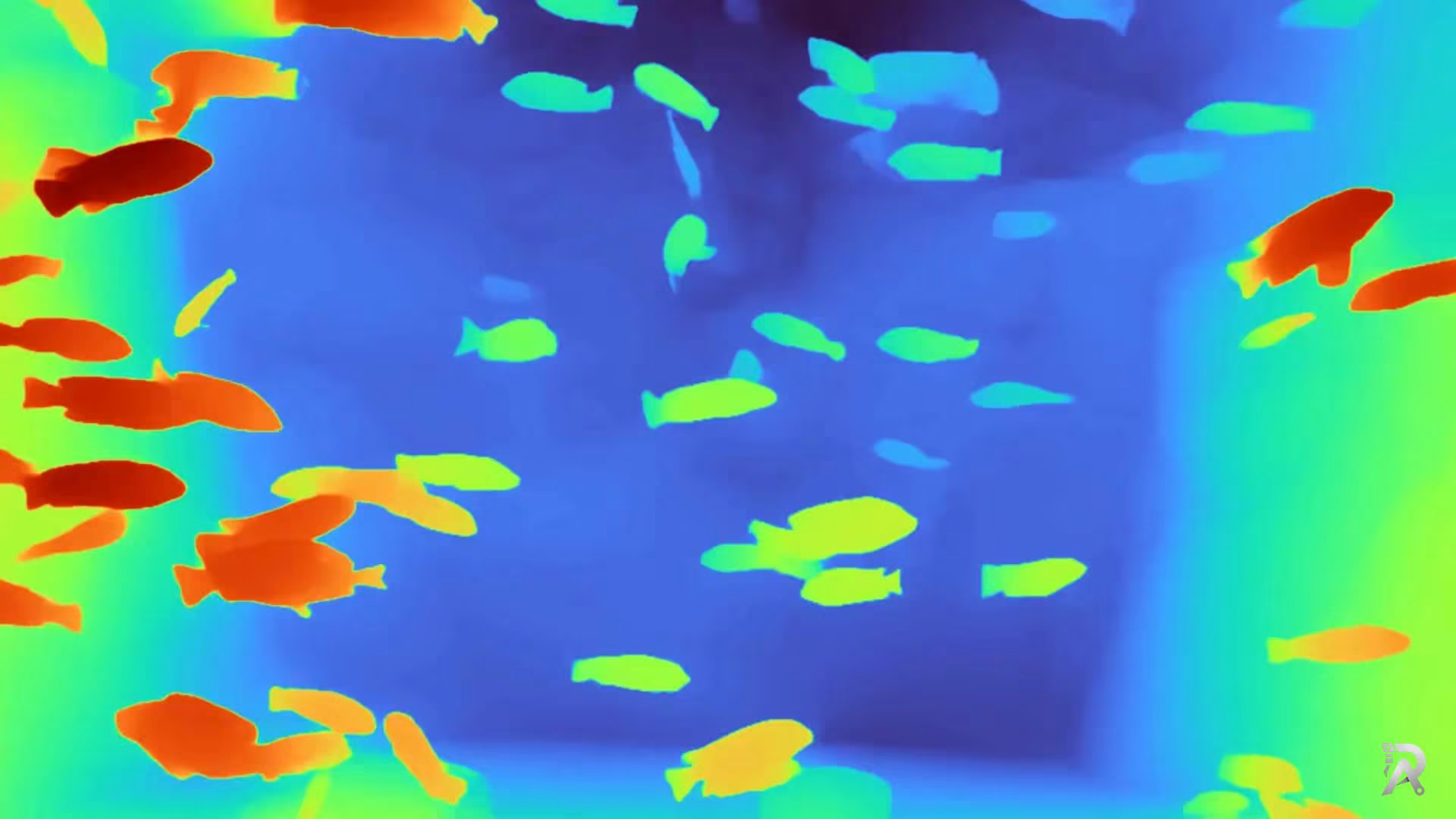
Depth Anything V2 in Python: depth from image, video or webcam
 Object TrackingJune 27, 2026
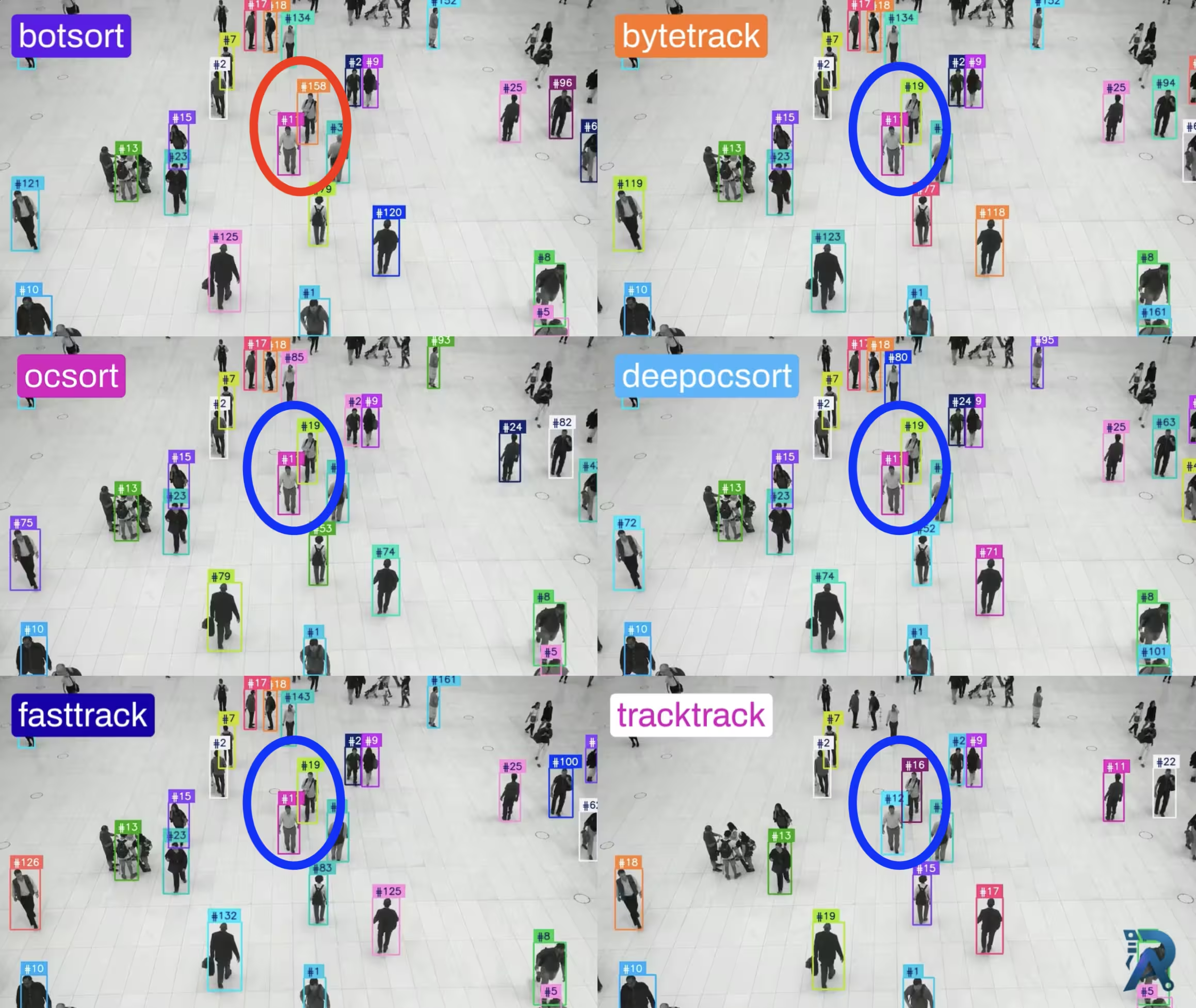
Ultralytics object trackers comparison: ByteTrack, BoT-SORT & More
 OCRJune 26, 2026
How to extract text from images with LightOnOCR and Python
Frequently asked questions
- Do I need MobileCLIP to run YOLOE?
- Only for text prompts. When you pass your own class names (via set_classes / get_text_pe), YOLOE encodes them with a MobileCLIP text encoder (mobileclip_blt.ts), which Ultralytics downloads automatically the first time. The prompt-free (-pf) checkpoints use a built-in vocabulary and need no MobileCLIP. Grab the MobileCLIP file directly below for offline or air-gapped installs.
- What is the difference between the YOLOE prompt and prompt-free checkpoints?
- The plain seg checkpoints (e.g. yoloe-11l-seg.pt) are prompt-driven: you tell them what to find with text or a visual example at runtime. The -pf checkpoints (e.g. yoloe-11l-seg-pf.pt) are prompt-free: they ship with a large fixed vocabulary and detect it with no prompt, which is simpler to deploy but not customizable at inference time.
- Is YOLOE free for commercial use?
- YOLOE's weights are AGPL-3.0, the same as Ultralytics YOLO: free for open-source and research, but a closed-source commercial deployment needs an Ultralytics Enterprise license. The MobileCLIP text encoder is separately MIT-licensed.