

Reading text from images used to mean stitching several tools together: a detector to find the text, a recognizer to read it, and some glue to hold the layout in place. LightOnOCR takes a simpler path. It is a single vision language model that looks at an image and writes out the text it sees, layout and all.
In this guide we read text from an image using LightOnOCR and a short, reusable Python class. You hand it an image, it hands you back clean text.

What is LightOnOCR
LightOnOCR-1B is a small OCR model with about 1 billion parameters. Under the hood it pairs a Pixtral vision encoder with a Qwen3 text decoder, so the whole thing runs end to end with no separate OCR pipeline. A few things make it easy to reach for:
- It is small and fast. The 1B size fits on a single GPU, and the team reports it is several times faster than larger OCR models.
- It is layout aware. It handles tables, receipts, forms, multi-column pages, and even math.
- It speaks several languages. The model covers 9 languages.
- It is open. The weights ship under the Apache 2.0 license, so you can use it in real projects.
What you need
Install PyTorch, Transformers, and Pillow:
pip install -U torch transformers pillow
The LightOnOcr classes were added to Transformers only recently, so keep it up to date (that is what -U is for). An older pinned Transformers will raise an ImportError on the model import.
A GPU helps, but it is not required. On a CPU the model still runs, just slower. The class below picks CUDA automatically when it is available and falls back to CPU otherwise.
The full script
Here is the complete script. Save it as lighton-ocr.py, then drop a few images into a folder named lightocr-images. We walk through the important parts right after.
"""LightOnOCR: extract raw text from images."""

import os
import torch
from PIL import Image
from pathlib import Path
from typing import Union, Optional
from transformers import LightOnOcrForConditionalGeneration, LightOnOcrProcessor

ImageInput = Union[str, Path]

class LightOnOCR:
    """
    Vision language model for OCR. Loads the model and processor once on construction, then
    exposes simple methods for running OCR on a single image or a list of images. Inputs may
    be file paths, PIL images, or NumPy arrays.
    """
    def __init__(self, model_name: str = "lightonai/LightOnOCR-1B-1025",
                 device: Optional[str] = None, max_new_tokens: int = 256) -> None:
        """Initialize the OCR engine and load the model into memory."""
        self.model_name = model_name
        self.device = device or ("cuda" if torch.cuda.is_available() else "cpu")
        self.dtype = torch.bfloat16 if self.device == "cuda" else torch.float32
        self.max_new_tokens = max_new_tokens

        # CPU threading hint (no-op on GPU)
        torch.set_num_threads(max(1, (os.cpu_count() or 2) // 2))
        torch.set_num_interop_threads(1)

        self._load_model()

    def _load_model(self) -> None:
        """Download (if needed) and load the model and processor."""
        print(f"[INFO] Loading {self.model_name} on {self.device} ({self.dtype})...")
        self.model = LightOnOcrForConditionalGeneration.from_pretrained(
            self.model_name, torch_dtype=self.dtype).to(self.device)
        self.model.eval()
        self.processor = LightOnOcrProcessor.from_pretrained(self.model_name)

    def _run(self, image: Image.Image) -> str:
        """Run a single forward pass on a PIL image and decode the output."""
        conversation = [{"role": "user", "content": [{"type": "image", "image": image}]}]
        inputs = self.processor.apply_chat_template(conversation, add_generation_prompt=True,
                                                    tokenize=True, return_dict=True,
                                                    return_tensors="pt")

        # Move tensors to the right device / dtype
        inputs = {k: (v.to(device=self.device, dtype=self.dtype) if v.is_floating_point()
                      else v.to(self.device)) for k, v in inputs.items()}

        with torch.no_grad():
            output_ids = self.model.generate(**inputs, max_new_tokens=self.max_new_tokens,
                                             do_sample=False, num_beams=1, use_cache=True)

        # Drop the prompt portion; keep only newly generated tokens
        prompt_len = inputs["input_ids"].shape[1]
        new_tokens = output_ids[0, prompt_len:]
        return self.processor.decode(new_tokens, skip_special_tokens=True).strip()

    def read(self, image: ImageInput) -> str:
        """Extract text from a single image."""
        return self._run(image)

    def __call__(self, image:  ImageInput) -> str:
        """Run OCR on an image."""
        return self.read(image)

if __name__ == "__main__":
    ocr = LightOnOCR()

    images_dir = "lightocr-images"

    for img in os.listdir(images_dir):
        text = ocr.read(os.path.join(images_dir, img))
        print(f"{img}\n=================================\n{text}")
        print("=================================\n\n")
How the code works
Load the model once
OCR models are heavy, so you only want to load them one time. The __init__ method picks the device and precision, sets a couple of CPU threading hints, then calls _load_model to pull down and load the weights and processor.
self.device = device or ("cuda" if torch.cuda.is_available() else "cpu")
self.dtype = torch.bfloat16 if self.device == "cuda" else torch.float32
On a GPU it uses bfloat16 to save memory and run faster. On a CPU it stays in float32 for stability.
Run OCR on one image
The _run method does the real work. It wraps the image in a small chat-style prompt, lets the processor turn that into tensors, moves them to the right device, and generates the text.
output_ids = self.model.generate(**inputs, max_new_tokens=self.max_new_tokens,
                                 do_sample=False, num_beams=1, use_cache=True)
Two details are worth calling out:
do_sample=Falsewithnum_beams=1means greedy decoding. For OCR you want the most likely text, not a creative guess, so greedy is the right choice.- After generation it slices off the prompt tokens and decodes only the new ones, so you get just the text and not the instruction.
Read a whole folder
The __main__ block loops over the lightocr-images folder and prints the text for each file. You can also call the object directly, since __call__ forwards to read.
ocr = LightOnOCR()
text = ocr.read("path/to/image.jpg")
print(text)
The result
Point it at the sample image and you get back exactly what is written on it:
Don't Wait
Until
Tomorrow
Notice that LightOnOCR keeps the line breaks. It does not flatten everything into one string, it follows the layout of the original image. That is exactly what you want for receipts, forms, and documents.
A note on the model id
The script defaults to lightonai/LightOnOCR-1B-1025. You can point model_name at any other LightOnOCR checkpoint, for example the newer lightonai/LightOnOCR-2-1B:
ocr = LightOnOCR(model_name="lightonai/LightOnOCR-2-1B")
Where this is useful
LightOnOCR is a good fit when you need clean text out of images at low cost:
- Receipts and invoices: pull totals, dates, and line items.
- Forms and IDs: read fields without a hand-built template.
- Scanned documents: turn old PDFs and scans into searchable text.
- Tables and reports: keep the rows and columns instead of losing structure.
- Science and math: read equations and notation on technical pages.
Tips for better results
- Use a GPU when you can. A 1B model on CPU is fine for a few images, but a GPU makes batch jobs practical.
- Raise
max_new_tokensfor dense pages. The default of 256 suits short text, but a full page needs more room. - Send clean images. Higher resolution and good contrast read far better than blurry, low-light photos.
Wrapping up
LightOnOCR makes OCR feel simple again. One model, one call, clean text out. With the small class above you can drop it into any Python project and start reading images in a few minutes.
If you are building document or vision features and want a hand, book a free consultation or read more tutorials. 🚀
FAQs
- Q:What is LightOnOCR?
- A:LightOnOCR is a compact vision language model for OCR. It reads an image and writes out the text on it, layout included, without a separate detection and recognition pipeline.
- Q:Do I need a GPU to run LightOnOCR?
- A:No. It runs on CPU too, just slower. A single GPU makes it much faster and is worth it for batch jobs. The script picks a GPU automatically when one is available.
- Q:What languages does LightOnOCR support?
- A:The LightOnOCR-1B model supports 9 languages, with compact variants tuned for European languages.
- Q:Can LightOnOCR read tables and receipts?
- A:Yes. It is layout aware and handles tables, receipts, forms, multi-column pages, and even math, keeping the structure of the original document.
Related posts
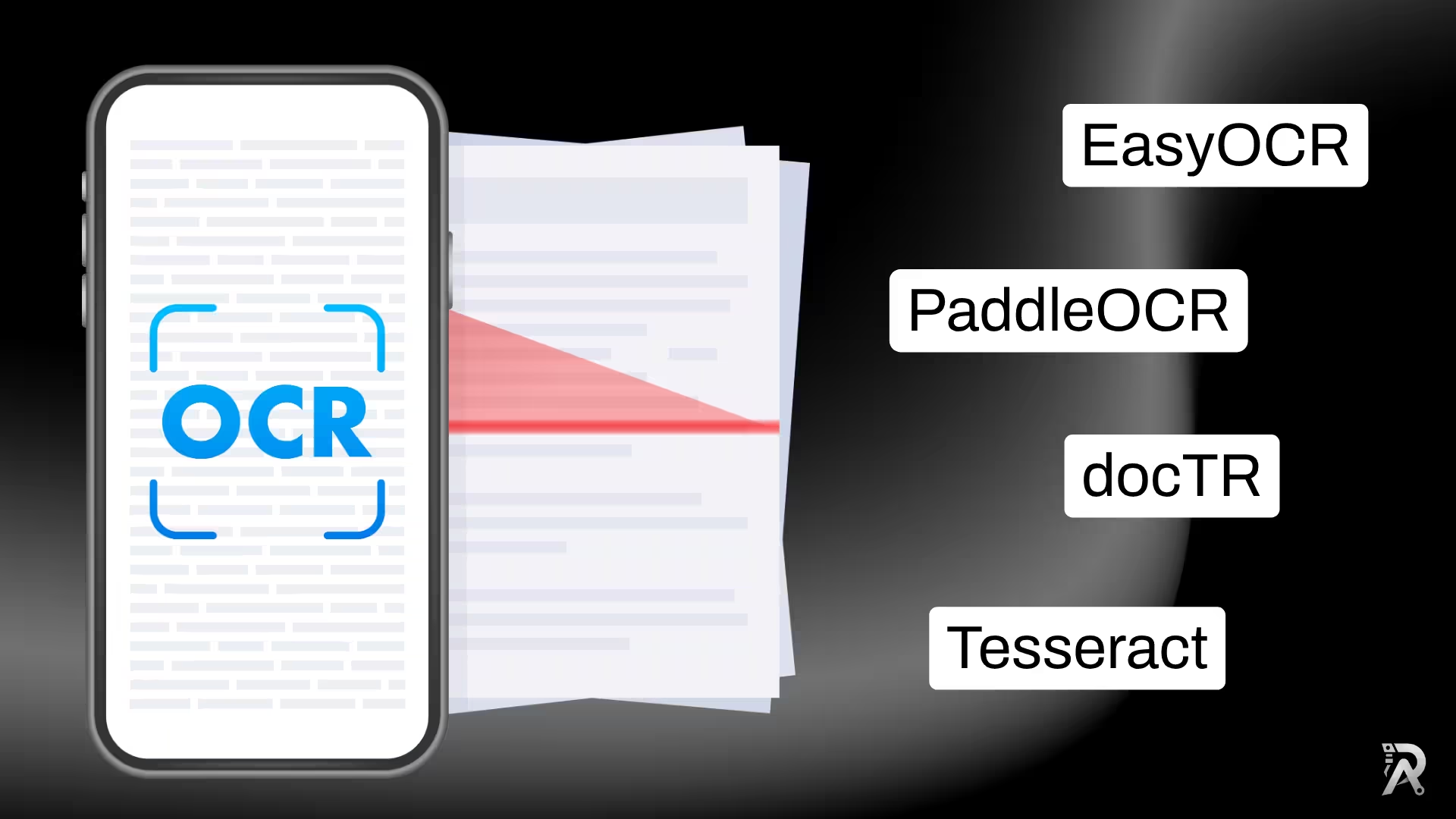
How to extract text from images in Python (OCR): 5 libraries compared
A practical guide to reading text from images in Python: Tesseract, EasyOCR, PaddleOCR, docTR and VLM-based OCR, with runnable code and a which-one-to-pick guide.
Read article →
Video Depth Anything in Python: consistent depth for video
Depth Anything V2 run frame by frame flickers on video. Video Depth Anything fixes that with temporally consistent depth for long clips. Here is how to run it in Python, with the command line and a reusable script.
Read article →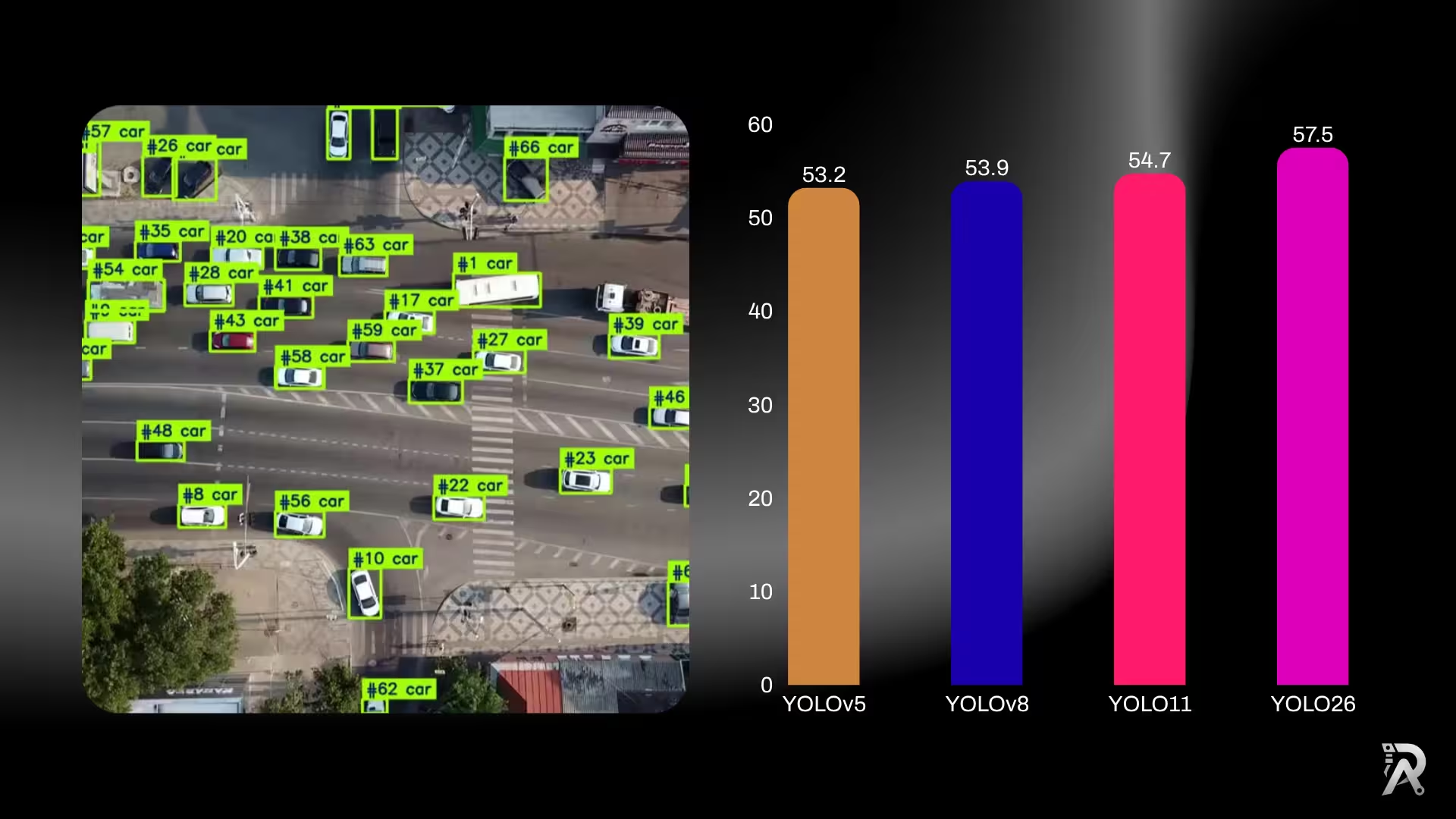
YOLO26 vs YOLO11 vs YOLOv8: which one should you use?
Six generations of YOLO side by side: published accuracy and parameter counts for YOLOv5, YOLOv8, YOLOv9, YOLOv10, YOLO11 and YOLO26, what actually changed between them, and a straight answer on which one to use for detection, edge deployment, or transfer learning.
Read article →
Computer Vision Engineer and top contributor to the YOLO project, building production AI and deep learning systems.
My course on LinkedIn LearningHands-On AI: Computer Vision Projects with Ultralytics and OpenCV