Model weights · SAM 2.1
Download SAM 2.1 weights
A promptable segmentation model with video memory: one click, box or mask segments an object and tracks it across frames in real time. Pick a size below and download the official .pt checkpoint in one click, with published parameters, size and license all in view.
Licensing. Ultralytics YOLO models are AGPL-3.0. Review Ultralytics licensing before you use them, particularly in a closed-source product, where an Enterprise license is required. Everything published on this site is released under MIT or Apache-2.0, with minimal paid features. Full licensing notes.
SAM 2.1 checkpoints, pick a size and download
A promptable segmentation model with video memory: one click, box or mask segments an object and tracks it across frames in real time.
The SAM 2.1 weights are Apache-2.0, but the Ultralytics package that most people load them with is AGPL-3.0. Running SAM 2.1 through Ultralytics puts your own project under AGPL-3.0 too, which means publishing your source if you distribute it or offer it over a network. An Ultralytics Enterprise license removes that. The Apache-2.0 terms only cover you if you run the weights outside the Ultralytics package.
- SAM 2.1 tinysam2.1_t.pt
- Params
- 38.9M
- Size
- 78 MB
- SAM 2.1 smallsam2.1_s.pt
- Params
- 46M
- SAM 2.1 base+sam2.1_b.pt
- Params
- 80.8M
- Size
- 162 MB
- SAM 2.1 largesam2.1_l.pt
- Params
- 224.4M
| Model | Params | Size | Download |
|---|---|---|---|
SAM 2.1 tiny sam2.1_t.pt | 38.9M | 78 MB | |
SAM 2.1 small sam2.1_s.pt | 46M | ||
SAM 2.1 base+ sam2.1_b.pt | 80.8M | 162 MB | |
SAM 2.1 large sam2.1_l.pt | 224.4M |
Figures are published by the authors. Weights host: github.com. Clicking Download verifies the file and starts it straight from the official CDN.
How to load SAM 2.1 weights
Install the Ultralytics package, then point the loader at the checkpoint. It downloads automatically on first use, or you can pass the local path to the file you downloaded above.
pip install ultralyticsfrom ultralytics import SAM
# Downloads on first use, or pass a local path to your .pt file
model = SAM("sam2.1_t.pt")
results = model("image.jpg")Want to see the architecture? Export to ONNX and open it in the ONNX visualizer for a labelled diagram with shapes and parameter counts.
Open visualizer →Choosing a SAM 2.1 checkpoint
Read off the table above: what each step up the size ladder costs and returns for this family specifically, where it stops being worth it, and what the license actually permits.
What the size ladder buys
SAM 2.1 ships 4 checkpoints, from SAM 2.1 tiny at 38.9M parameters to SAM 2.1 large at 224.4M, 5.8× the model. These are promptable models with no single comparable accuracy figure, so the table lists parameters and download size rather than inventing one. Size and throughput are the axis you choose on: pick the smallest checkpoint that holds up on your own data rather than the largest you can fit.
Licensing, in practice
The weights are Apache-2.0. More importantly, the usual way to run SAM 2.1 is through the `ultralytics` package, which is AGPL-3.0, and that reaches your application even though the weights themselves are not. A permissive badge on the weights is not permission to ship closed-source over that path. Apache-2.0 on the weights is commercial-friendly and needs only attribution.
About SAM 2.1
SAM 2 (Meta AI) extends the Segment Anything model to video with a streaming memory, so a single click, box or mask prompt segments and tracks objects across frames in real time. The 2.1 checkpoints below are the latest, most accurate release, integrated into Ultralytics with permissive Apache-2.0 licensing.
- Author
- Meta AI
- Released
- 2024
- Tasks
- Segment, Track
- Framework
- Ultralytics (PyTorch)
- Input size
- 1024px
- License
- Apache-2.0
More model weights to download
Each page lists every checkpoint with accuracy, parameters, license and a one-click download.
From the blog
Tutorials, code, and notes on computer vision, deep learning, and applied AI.
 Depth EstimationJuly 27, 2026
Video Depth Anything in Python: consistent depth for video
 YOLO26July 19, 2026
YOLO26 vs YOLO11 vs YOLOv8: which one should you use?
 Object TrackingJuly 18, 2026
How to use ByteTrack with YOLO for object tracking in Python
 Semantic SearchJuly 6, 2026
Build a semantic image search engine with CLIP and Python
 YOLO26July 3, 2026
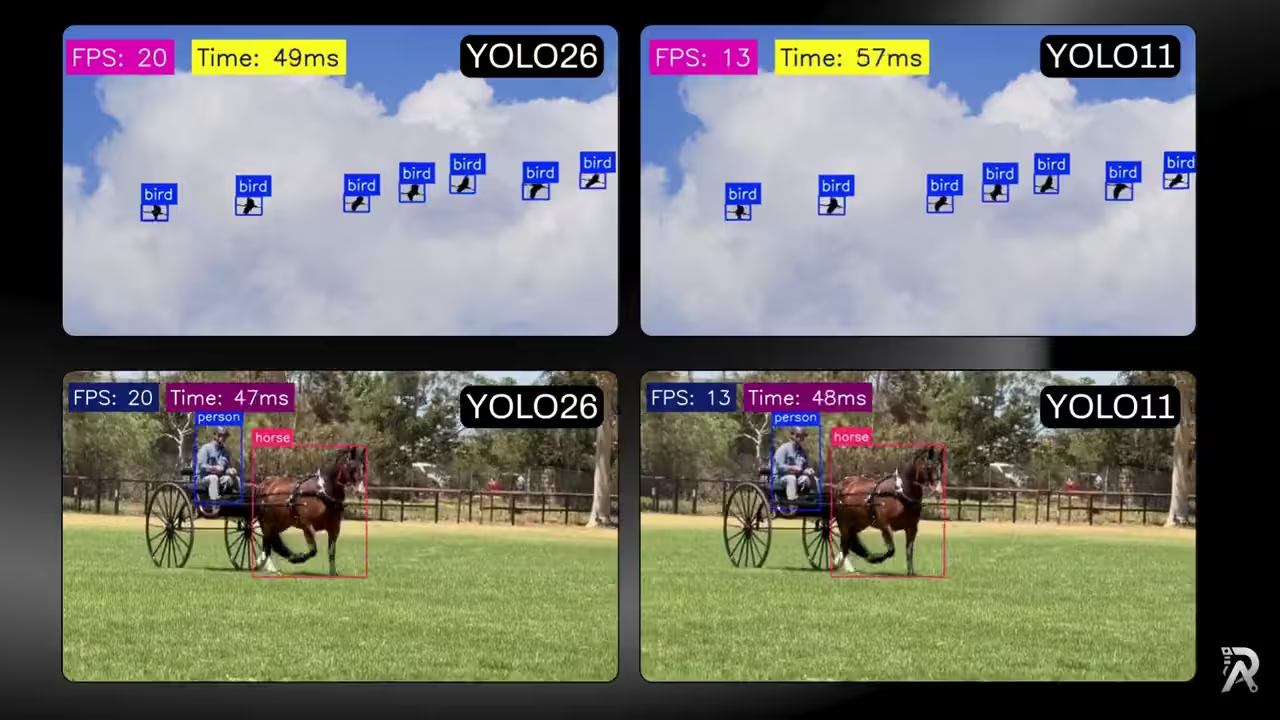
YOLO26 vs YOLO11: ONNX speed, FPS and latency benchmark
 Depth EstimationJuly 1, 2026
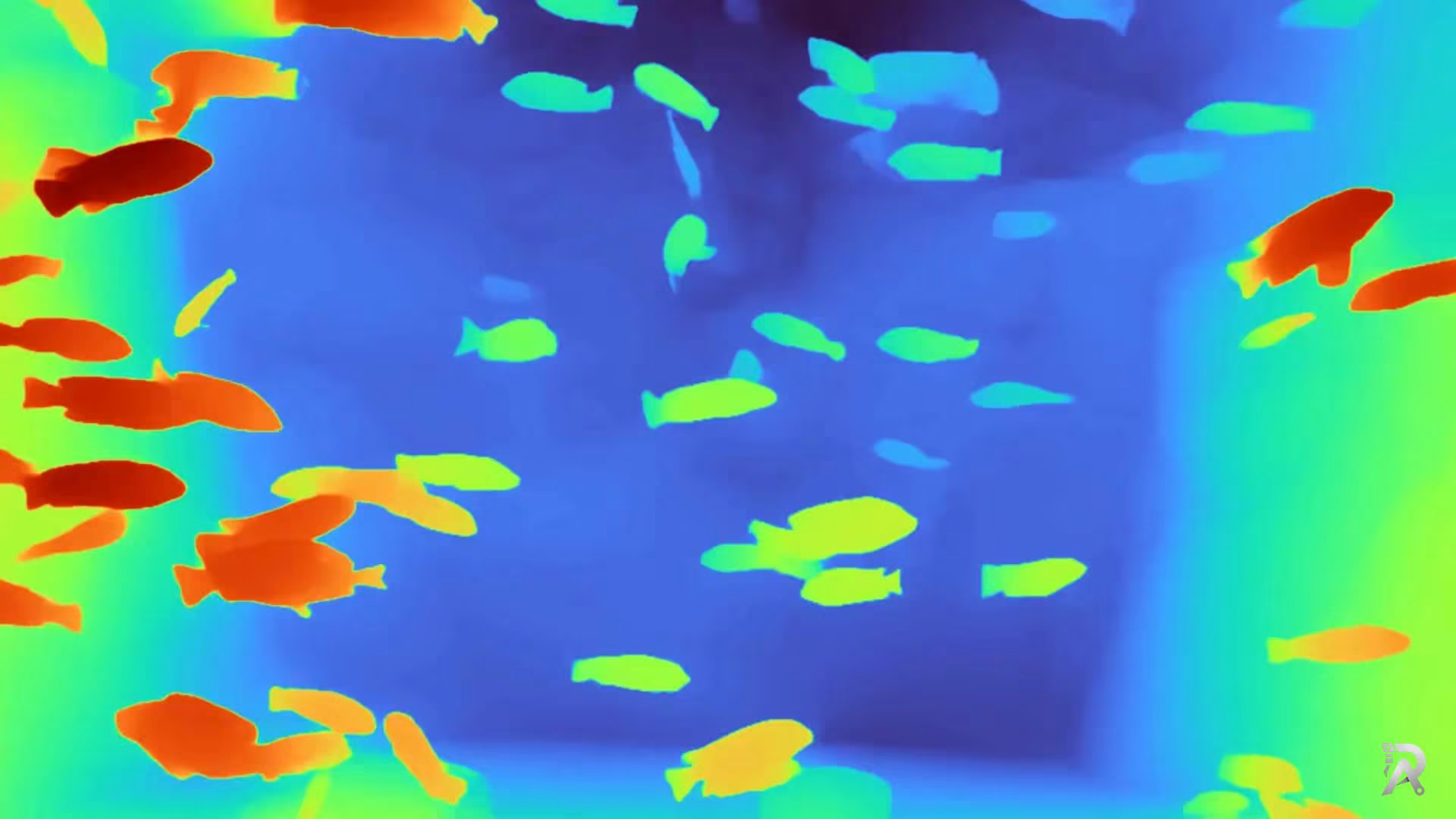
Depth Anything V2 in Python: depth from image, video or webcam
 Object TrackingJune 27, 2026
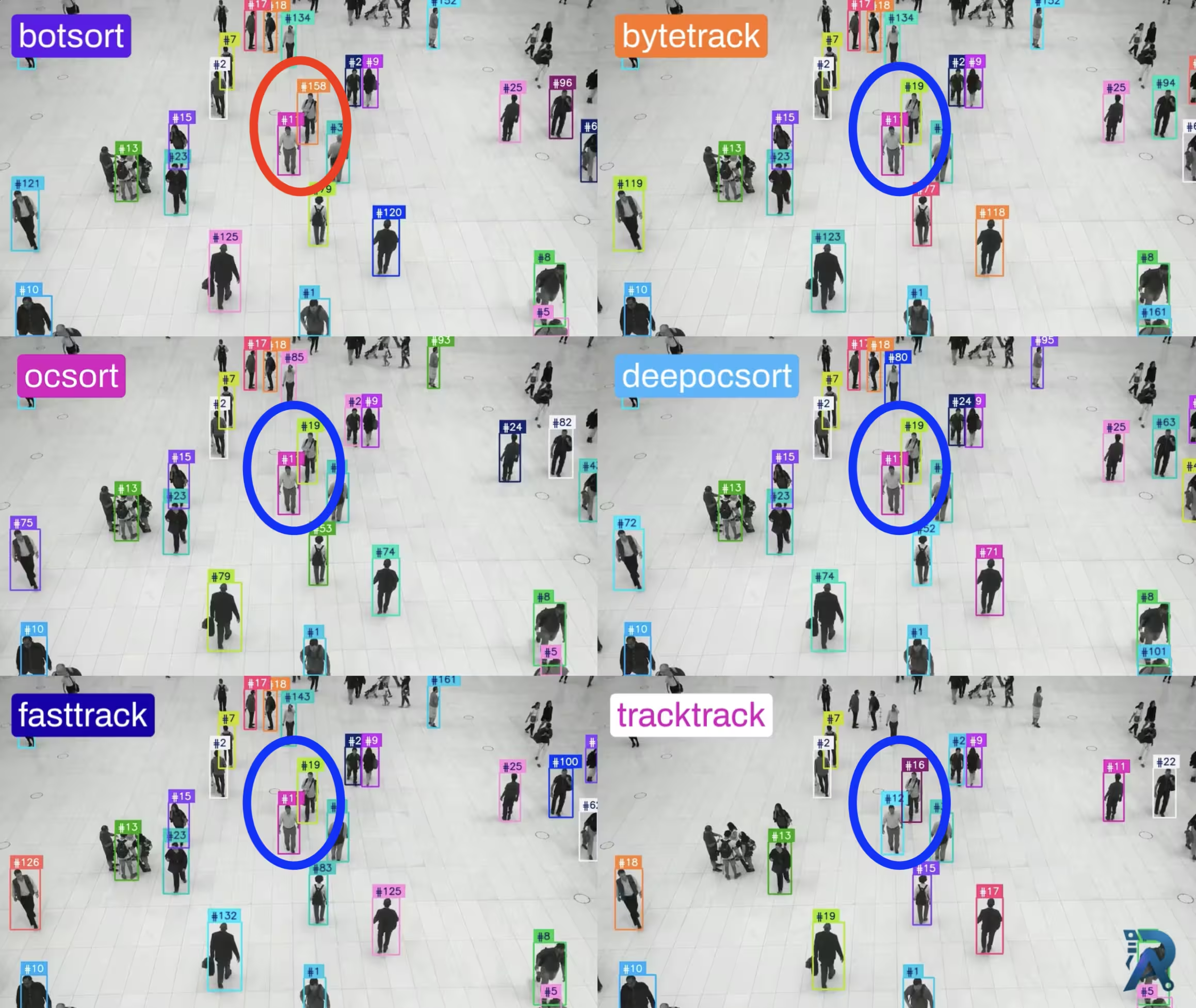
Ultralytics object trackers comparison: ByteTrack, BoT-SORT & More
 OCRJune 26, 2026
How to extract text from images with LightOnOCR and Python
Frequently asked questions
- How do I download SAM 2.1 weights?
- Click the Download button next to any variant in the table above; we verify the file and start it straight from the official CDN. You can also let the loader fetch it automatically on first use with `model = SAM("sam2.1_t.pt")`. All 4 SAM 2.1 checkpoints are hosted officially.
- Is SAM 2.1 free for commercial use?
- SAM 2.1 is released under Apache-2.0. Apache-2.0 is permissive and commercial-friendly: you can use it in closed-source products with attribution. Always confirm against the linked license text.
- Which SAM 2.1 model size should I use?
- Start with SAM 2.1 tiny, the smallest and fastest, ideal for prototyping, edge and CPU. Move up the ladder only when you need more accuracy and have the compute for it.