Benchmark · 10 GPUs · 6 trackers
YOLO tracker benchmarks
Six trackers, one clip, the same detector, timed on 10 NVIDIA GPUs for speed and ID-stability. Quick pick by use case:
- Real-time videoByteTrack / FastTrack
- Moving camera (drone, dashcam)BoT-SORT
- Crowded or occluded scenesDeep OC-SORT
- Offline, maximum accuracyTrackTrack
Led raw FPS on 8 of the 10 GPU tiers. ByteTrack tops the H100, FastTrack the T4.
Only 4 ID fragmentations, the fewest track breaks of any tracker, though it is the slowest to run.
Past 100 FPS on modern GPUs with no Re-ID model to load and few ID fragmentations, the practical default for live video.
ByteTrack, FastTrack, Deep OC-SORT, BoT-SORT, TrackTrack, OC-SORT.
NVIDIA hardware from the NVIDIA T4 up to the NVIDIA B200.
Every tracker on every GPU, same clip and same detector each time.
Deep OC-SORT on the NVIDIA RTX PRO 6000, end to end including detection.
Track breaks from TrackTrack, the fewest of any tracker here.
Every pair of trackers compared on its own page, linked below.
ID-stability: what a fragmentation actually looks like
How well a tracker holds a single, consistent ID on each object is a property of the algorithm, not the GPU, so these numbers barely move across hardware; we report them once (measured on the NVIDIA H100). This clip has no MOT ground truth, so instead of MOTA/IDF1 we report the raw stability signals: how many distinct IDs the tracker created, how many times a track was broken (fragmentations), and the average track length. Fewer IDs and fewer fragmentations mean steadier identities.
| Tracker | Approach | Unique IDs | Fragmentations | Avg track length |
|---|---|---|---|---|
| TrackTrack | Motion + Re-ID | 7 | 4 | 67.4 |
| BoT-SORT | Motion + camera comp. | 14 | 16 | 61.7 |
| ByteTrack | Motion only | 14 | 17 | 66.9 |
| FastTrack | Motion + Re-ID | 12 | 24 | 83.8 |
| Deep OC-SORT | Motion + Re-ID | 12 | 42 | 80.4 |
| OC-SORT | Motion only | 79 | 113 | 29.6 |
Speed by GPU
Speed is the number that actually changes with the hardware. Choose a GPU to rank every tracker fastest-first. The bars re-sort instantly so you can see how much your hardware and tracker choice matter. End-to-end detection + tracking throughput (frames per second, higher is better) for all 6 trackers across all 10 GPU tiers. GPUs are ordered flagship-first.
- ByteTrack
- FastTrack
- Deep OC-SORT
- BoT-SORT
- TrackTrack
- OC-SORT
Tip: Bold marks the faster tracker on each GPU. Measured with yolo26n.pt on a 200-frame clip.
| Tracker | B200 | H200 | H100 | RTX PRO 6000 | A100 80GB | A100 40GB | L40S | A10 | L4 | T4 |
|---|---|---|---|---|---|---|---|---|---|---|
| ByteTrack | 102.2 | 90.7 | 106.2 | 146.6 | 61.0 | 69.5 | 70.7 | 74.2 | 71.9 | 56.5 |
| FastTrack | 101.3 | 78.9 | 103.9 | 146.7 | 61.7 | 67.2 | 70.3 | 76.0 | 73.2 | 61.1 |
| Deep OC-SORT | 104.5 | 111.4 | 101.3 | 154.9 | 62.7 | 71.8 | 72.9 | 80.2 | 74.5 | 60.3 |
| BoT-SORT | 10.5 | 9.2 | 9.8 | 14.7 | 8.3 | 8.6 | 9.3 | 7.3 | 9.6 | 6.3 |
| TrackTrack | 14.9 | 11.1 | 14.2 | 21.7 | 11.3 | 12.5 | 13.0 | 10.5 | 13.3 | 9.1 |
| OC-SORT | 42.7 | 53.0 | 55.1 | 61.8 | 41.1 | 44.3 | 47.4 | 51.5 | 44.9 | 41.8 |
How to choose the right tracker
You need real-time speed
ByteTrack or FastTrack. Both pass 100 FPS on modern GPUs with no Re-ID model to load.
Your camera moves
BoT-SORT. Its motion compensation was built for drones, dashcams and handheld footage.
Scenes are crowded or occluded
Deep OC-SORT. Appearance Re-ID recovers an ID after an object is briefly hidden.
Correctness beats speed
TrackTrack. The fewest ID breaks here, for offline analytics, labeling and research.
Compare any two trackers
Jump straight to any pairwise matchup. Each page ranks the two trackers on FPS across all 10 NVIDIA GPUs and on ID-stability.
- ByteTrack vs FastTrack
- ByteTrack vs Deep OC-SORT
- ByteTrack vs BoT-SORT
- ByteTrack vs TrackTrack
- ByteTrack vs OC-SORT
- FastTrack vs Deep OC-SORT
- FastTrack vs BoT-SORT
- FastTrack vs TrackTrack
- FastTrack vs OC-SORT
- Deep OC-SORT vs BoT-SORT
- Deep OC-SORT vs TrackTrack
- Deep OC-SORT vs OC-SORT
- BoT-SORT vs TrackTrack
- BoT-SORT vs OC-SORT
- TrackTrack vs OC-SORT
Methodology
- Same input for everyone. Every tracker ran on the identical 200-frame test clip with the same
yolo26n.ptdetector, so only the tracker changes. - Speed, per GPU. FPS and ms/frame are the end-to-end detection + tracking rate measured on each of the 10 GPU tiers, so you can match a tracker to the hardware you actually run.
- Stability, measured once. ID-stability is hardware-independent, so unique-ID, fragmentation and track-length figures are reported from a single GPU. We do not publish MOTA/IDF1 because this clip has no MOT ground truth; those belong on a labeled dataset like MOT17.
- Reproducible. All six trackers ship inside Ultralytics; the same run works on your own footage by pointing the code below at a different clip.
Measure it yourself
The exact local recipe behind these numbers: load a YOLO model once, run one tracker frame by frame, and collect FPS, latency and ID-stability. Swap the single tracker line to compare any of the six.
import time
from collections import defaultdict

import cv2
from ultralytics import YOLO

# 1. Load the detector once, then reuse it for every tracker you compare.
model = YOLO("yolo26n.pt")

# swap: botsort / fasttrack / deepocsort / ocsort / tracktrack
tracker = "bytetrack.yaml"

# 2. Read a short clip into memory (128-300 frames is plenty).
cap = cv2.VideoCapture("clip.mp4")
frames = []
while cap.isOpened() and len(frames) < 200:
    ok, frame = cap.read()
    if not ok:
        break
    frames.append(frame)
cap.release()

# 3. Run the tracker frame by frame, timing only the track() call.
unique_ids, last_seen, track_len = set(), {}, defaultdict(int)
fragmentations, total_time = 0, 0.0

for i, frame in enumerate(frames):
    t0 = time.perf_counter()
    preds = model.track(frame,
                        tracker=tracker,
                        persist=True,
                        verbose=False)
    total_time += time.perf_counter() - t0

    boxes = preds[0].boxes
    if boxes is None or boxes.id is None:
        continue

    for tid in boxes.id.int().tolist():
        # A fragmentation = an ID that
        # vanished for >=1 frame, then came back.
        if tid in last_seen and i - last_seen[tid] > 1:
            fragmentations += 1
        last_seen[tid] = i
        unique_ids.add(tid)
        track_len[tid] += 1

# 4. The metrics reported on this page.
print(f"FPS:            {len(frames) / total_time:.1f}")
print(f"ms/frame:       {total_time / len(frames) * 1000:.1f}")
print(f"unique IDs:     {len(unique_ids)}")
print(f"fragmentations: {fragmentations}")
print(f"avg track len:  {sum(track_len.values()) / len(track_len):.1f}")
Install once with pip install ultralytics opencv-python, then run it on your own clip.
From the blog
Tutorials, code, and notes on computer vision, deep learning, and applied AI.
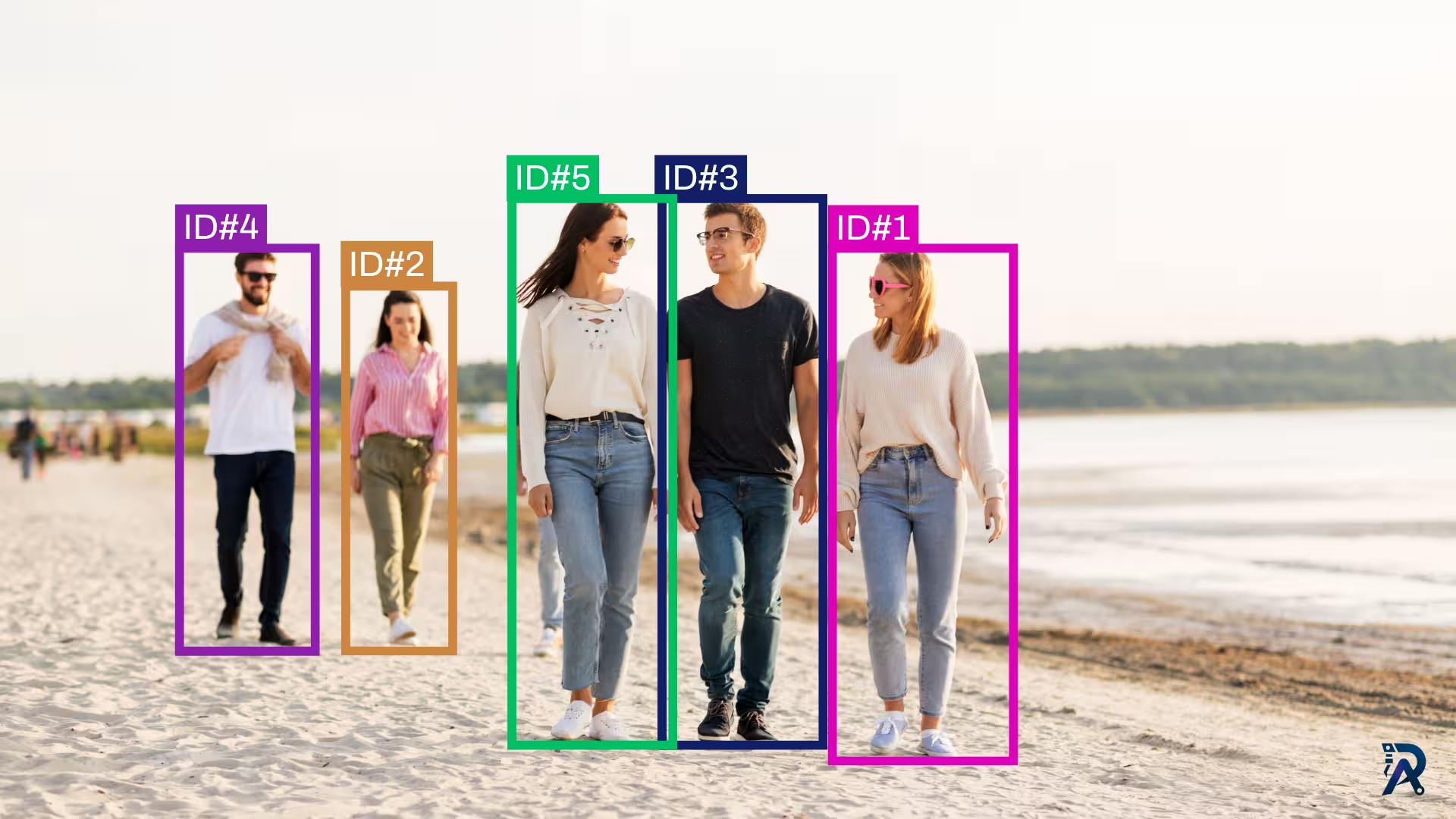 Object TrackingJuly 18, 2026
How to use ByteTrack with YOLO for object tracking in Python
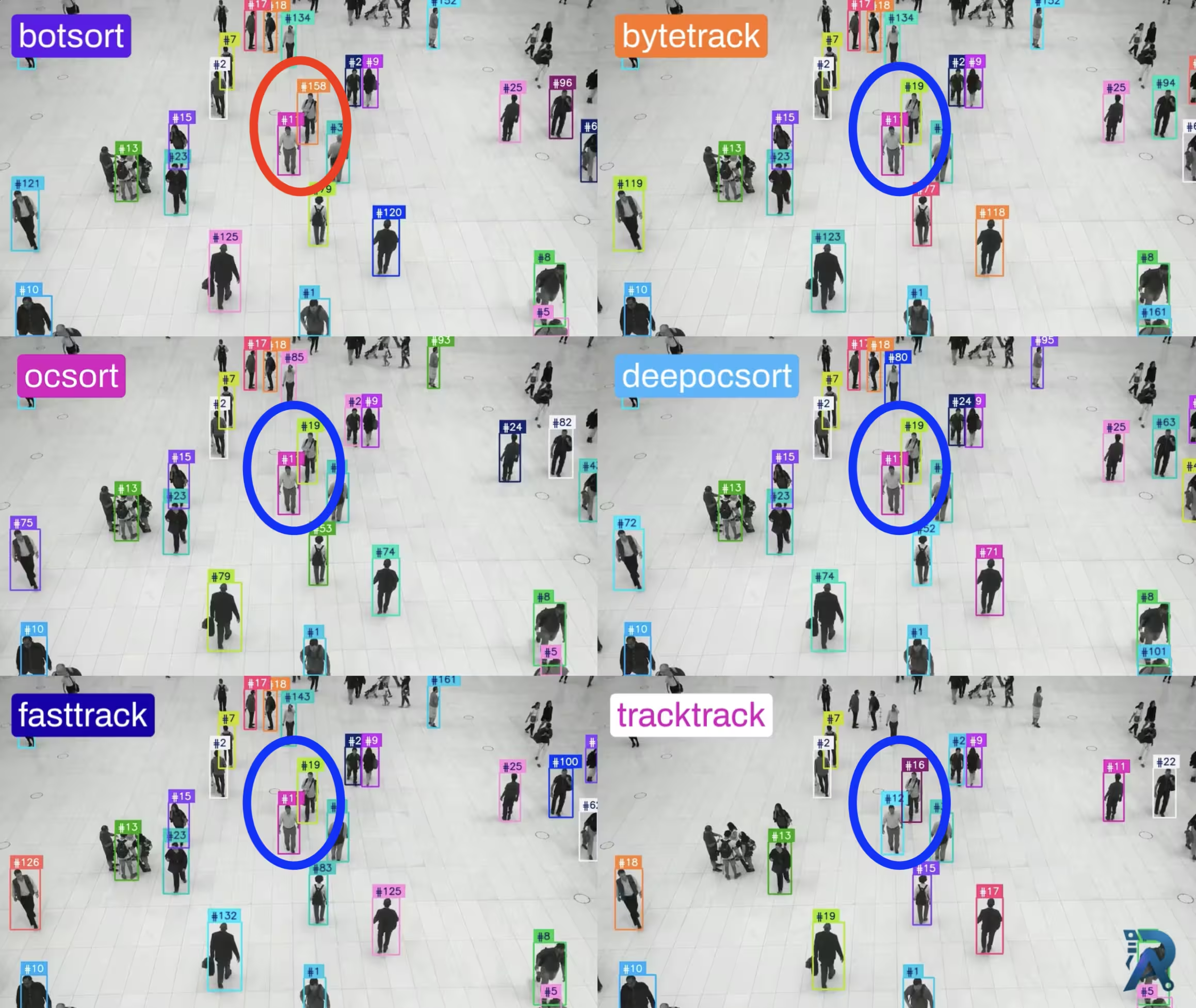 Object TrackingJune 27, 2026
Ultralytics object trackers comparison: ByteTrack, BoT-SORT & More
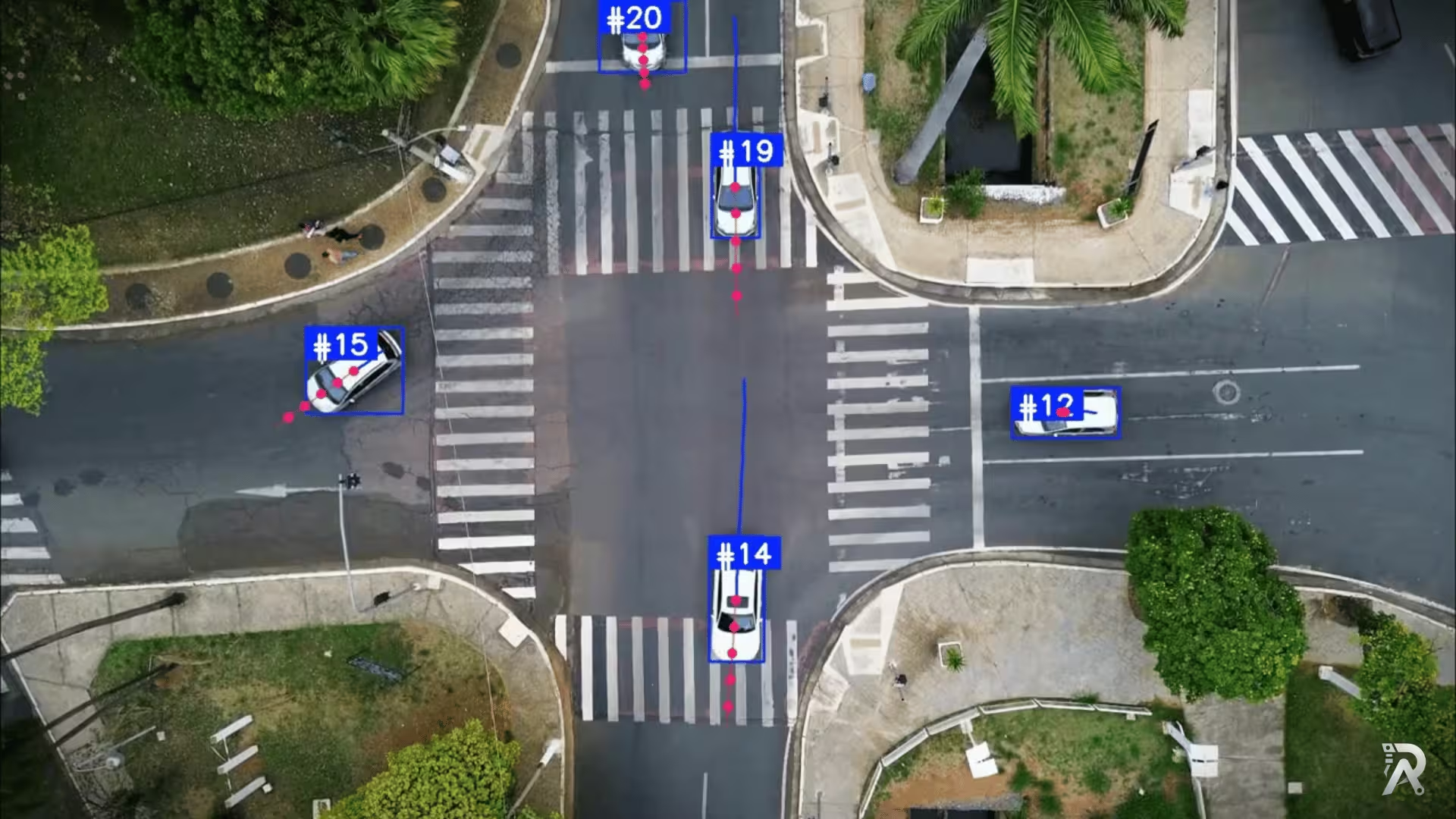 YOLO26June 25, 2026
Object tracking and trajectory forecasting with YOLO26 and ByteTrack
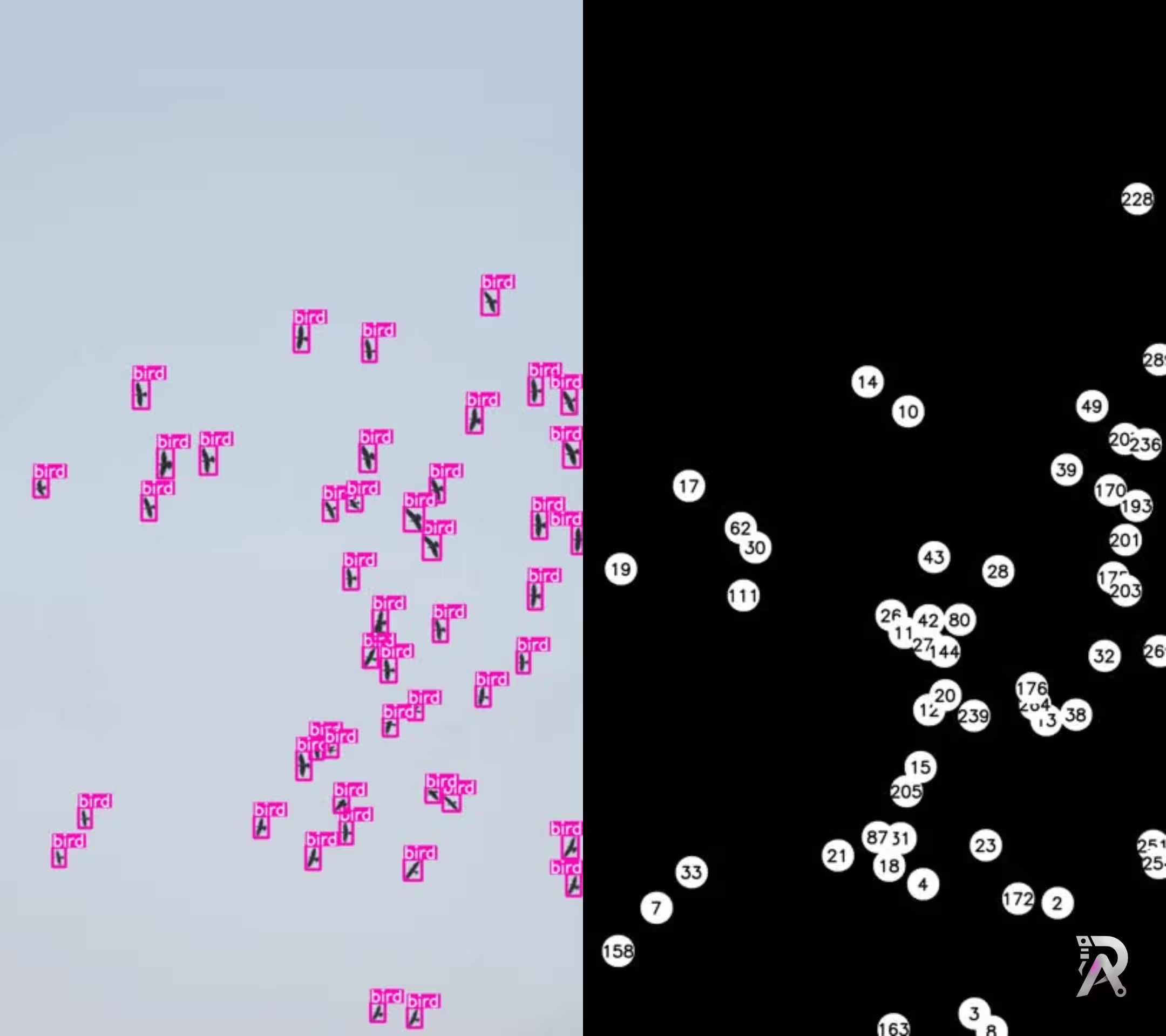 YOLO11June 24, 2026
Real time bird detection and tracking using YOLO11
 YOLO26June 23, 2026
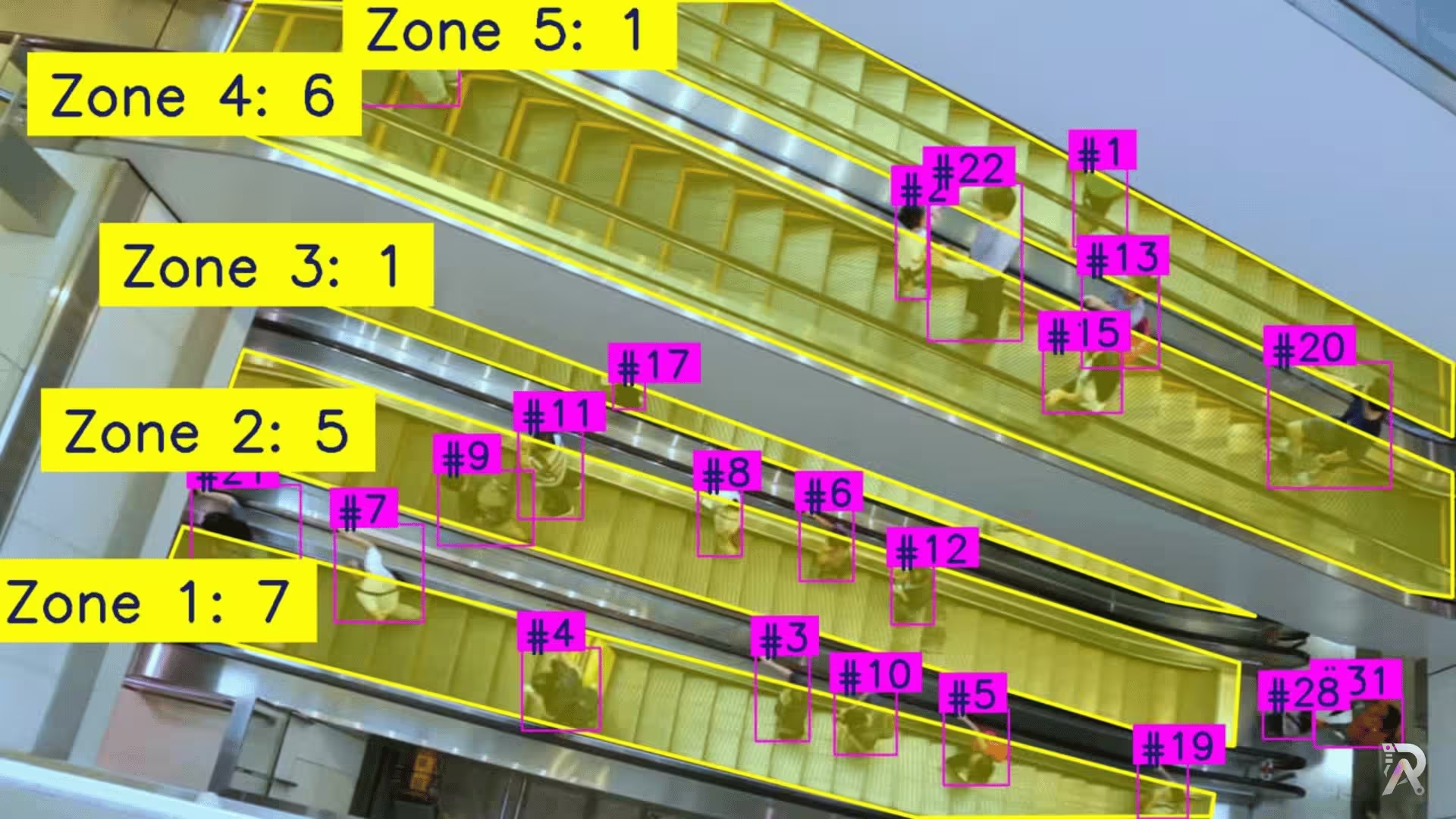
How to count people in zones with YOLO26 and OpenCV
Frequently asked questions
- Which YOLO tracker is the fastest?
- Deep OC-SORT posted the highest FPS on most GPUs in this benchmark, leading on 8 of the 10 tiers, with ByteTrack fastest on the H100 and FastTrack on the T4. All three clear roughly 100 FPS on an H100 with YOLO26n. TrackTrack and BoT-SORT (with Re-ID and camera-motion compensation enabled) were the slowest, often under 15 FPS.
- Which tracker keeps object IDs the most stable?
- TrackTrack produced the fewest ID fragmentations of any tracker, followed by BoT-SORT, ByteTrack and FastTrack. Motion-only OC-SORT produced by far the most unique IDs and fragmentations on this clip, because without an appearance model it starts a new ID whenever an object is briefly occluded. ID-stability is a property of the algorithm, so it is essentially the same on every GPU.
- Does a more expensive GPU make tracking more accurate?
- No. A faster GPU only makes tracking run faster; it does not change how accurately the tracker follows objects. Accuracy and ID-stability depend on the tracking algorithm and your detector, not the hardware. That is why this page reports speed per GPU, but ID-stability only once.
- How was this YOLO tracker benchmark run?
- Every tracker ran on the same 200-frame clip with the same yolo26n.pt detector, on each of the 10 GPU tiers. FPS is the end-to-end detection-plus-tracking rate. All six trackers are built into Ultralytics, so results are reproducible with a single script.
- Which tracker should I use for a real-time application?
- For real-time or edge deployments, ByteTrack and FastTrack are the safe defaults: they run well past real time (100+ FPS on modern GPUs) and stay lightweight with no Re-ID model to load. Deep OC-SORT actually posted the highest raw FPS on most GPUs here, so test it too if you want its Re-ID for steadier IDs through occlusion. If your camera moves (drones, dashcams), BoT-SORT's motion compensation is worth the extra compute. Reserve TrackTrack for offline analysis where identity correctness matters more than speed.