Tracker comparison · ByteTrack vs TrackTrack
ByteTrack vs TrackTrack
A head-to-head of ByteTrack and TrackTrack for multi-object tracking behind YOLO: how fast each runs across 10 NVIDIA GPUs and how steadily it holds object IDs, measured on the same clip and the same detector.
The verdict: On an NVIDIA H100, ByteTrack is the quicker of the two at 106 FPS versus 14 for TrackTrack, roughly 7.5× its throughput, and it stays out front on all 10 GPU tiers. TrackTrack is the steadier tracker: 4 ID fragmentations against 17 for ByteTrack (76% fewer), across 7 unique IDs to 14 on the same clip. For the ByteTrack-vs-TrackTrack decision that's the trade-off in a nutshell: ByteTrack for real-time apps, edge devices, most general-purpose tracking, TrackTrack for offline / batch analysis where ID correctness is paramount.
Higher FPS on 10 of the 10 GPU tiers tested.
Only 4 ID fragmentations, versus 17 for ByteTrack.
ID-stability: what a fragmentation actually looks like
How well a tracker holds a single, consistent ID on each object is a property of the algorithm, not the GPU, so these numbers barely move across hardware; we report them once (measured on the NVIDIA H100). This clip has no MOT ground truth, so instead of MOTA/IDF1 we report the raw stability signals: how many distinct IDs the tracker created, how many times a track was broken (fragmentations), and the average track length. Fewer IDs and fewer fragmentations mean steadier identities.
| Tracker | Approach | Unique IDs | Fragmentations | Avg track length |
|---|---|---|---|---|
| TrackTrack | Motion + Re-ID | 7 | 4 | 67.4 |
| ByteTrack | Motion only | 14 | 17 | 66.9 |
Speed by GPU
ByteTrack and TrackTrack, ranked fastest-first. Pick any GPU to see which one leads on that hardware. End-to-end detection + tracking throughput (frames per second, higher is better) for ByteTrack and TrackTrack across all 10 GPU tiers. GPUs are ordered flagship-first.
- ByteTrack
- TrackTrack
Tip: Bold marks the faster tracker on each GPU. Measured with yolo26n.pt on a 200-frame clip.
| Tracker | B200 | H200 | H100 | RTX PRO 6000 | A100 80GB | A100 40GB | L40S | A10 | L4 | T4 |
|---|---|---|---|---|---|---|---|---|---|---|
| ByteTrack | 102.2 | 90.7 | 106.2 | 146.6 | 61.0 | 69.5 | 70.7 | 74.2 | 71.9 | 56.5 |
| TrackTrack | 14.9 | 11.1 | 14.2 | 21.7 | 11.3 | 12.5 | 13.0 | 10.5 | 13.3 | 9.1 |
ByteTrack vs TrackTrack: the four questions that decide it
Every figure below is computed from the same run as the tables above: throughput, per-frame latency, cost and track continuity for this pair specifically, rather than a general ranking.
Real-time headroom
Across the 10 tiers, ByteTrack clears 30 FPS on 10 and 60 FPS on 9; TrackTrack clears 30 FPS on 0 and 60 FPS on 0. TrackTrack does not reach 30 FPS on any tier in this run, which puts it in the offline-analysis bracket rather than the live-video one. Per frame on an NVIDIA H100 that is 9.4 ms for ByteTrack and 70.6 ms for TrackTrack, detection included.
Does the ranking hold across GPUs?
Yes. ByteTrack is ahead of TrackTrack on all 10 tiers, from the B200 down to the T4, so the ordering you see on an NVIDIA H100 is the ordering you will get on whatever you deploy to. That consistency is itself useful: it means this choice can be made once rather than revisited per hardware refresh.
How long an identity survives
Average track length was 66.9 frames for ByteTrack and 67.4 for TrackTrack on the 200-frame clip, so TrackTrack held each object for longer before losing or re-numbering it. Read alongside the fragmentation counts, that is what an ID switch feels like downstream: a counting line double-counts the same person, or a dwell-time average collapses because one visit was recorded as three. Neither number is MOTA, because this clip has no ground truth, but both come from the same run and point the same way.
Cost to run
At NVIDIA H100 rates, ByteTrack costs $0.0103 per 1,000 frames against $0.0775 for TrackTrack, about 7.5× cheaper. Over a single 30 FPS camera running for an hour that is roughly $1.12 versus $8.37. That is small per camera, and a real multiplier across a wall of them. Cost here is pure occupancy: a slower tracker holds the GPU for longer, so throughput and spend are the same fact in two units.
Choosing between them
Choose ByteTrack if…
Real-time apps, edge devices, most general-purpose tracking.
Strengths
- Consistently among the fastest
- No Re-ID model to load or tune
- Built into Ultralytics as a one-liner
Trade-offs
- Motion-only: can swap IDs through long occlusions
- Fewer ID recoveries than appearance-based trackers
Motion only, 2022. Enable it with tracker="bytetrack.yaml".
Choose TrackTrack if…
Offline / batch analysis where ID correctness is paramount.
Strengths
- Fewest fragmentations of any tracker
- Most consistent identities
- State-of-the-art association
Trade-offs
- Much slower, not for real time
- Heaviest tracker to run
Motion + Re-ID, 2025. Enable it with tracker="tracktrack.yaml".
Other head-to-head comparisons
More matchups involving ByteTrack and TrackTrack, each with the same speed, cost and ID-stability breakdown.
How these numbers were measured
ByteTrack and TrackTrack ran on the identical 200-frame clip with the same yolo26n.pt detector on each of the 10 GPU tiers, so the only variable is the tracker. There is no MOT ground truth on this clip, so no MOTA or IDF1 is claimed; the stability figures are raw counts. Full methodology and the benchmark script live on the hub, alongside all six trackers.
From the blog
Tutorials, code, and notes on computer vision, deep learning, and applied AI.
 Object TrackingJuly 18, 2026
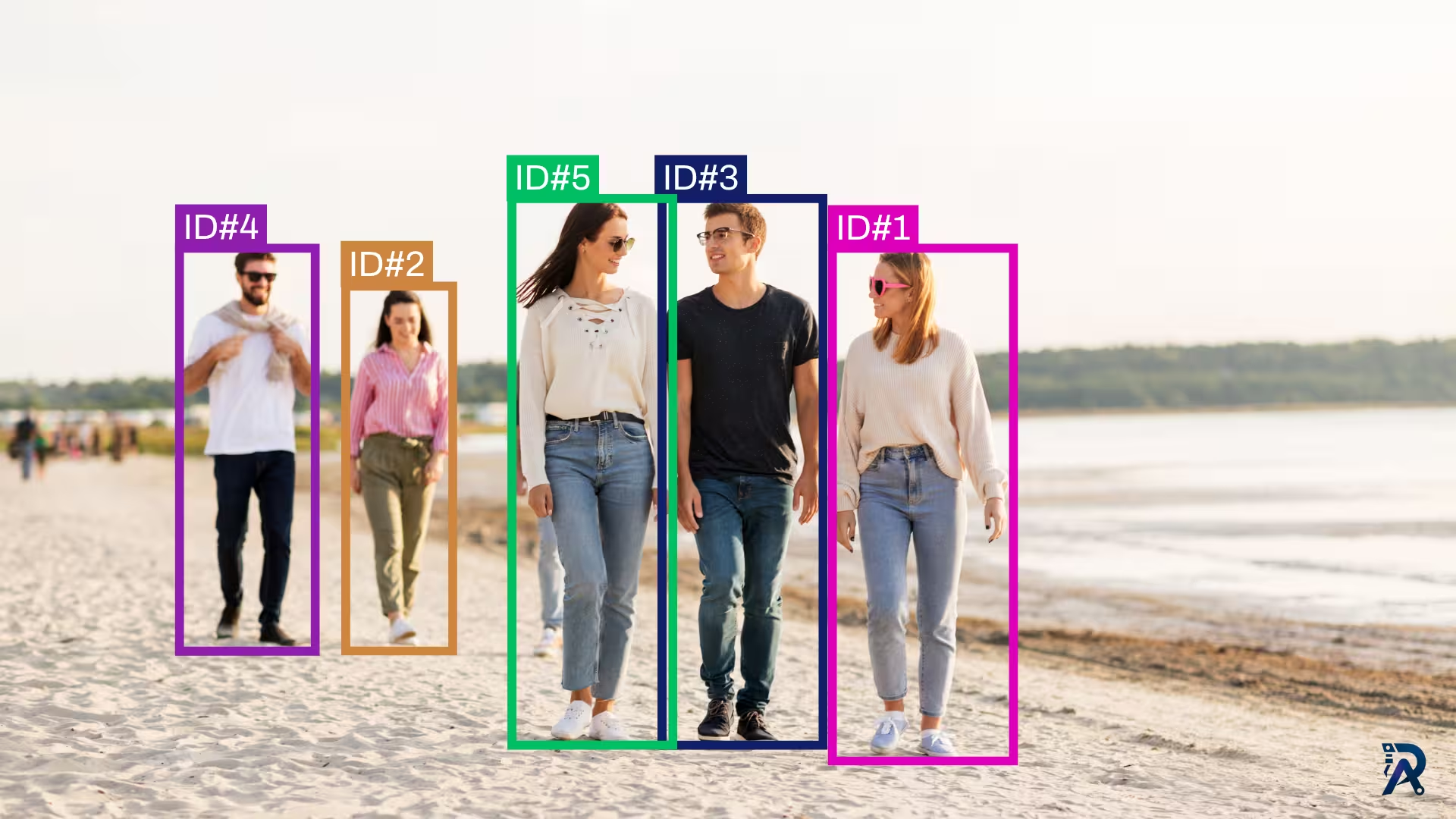
How to use ByteTrack with YOLO for object tracking in Python
 Object TrackingJune 27, 2026
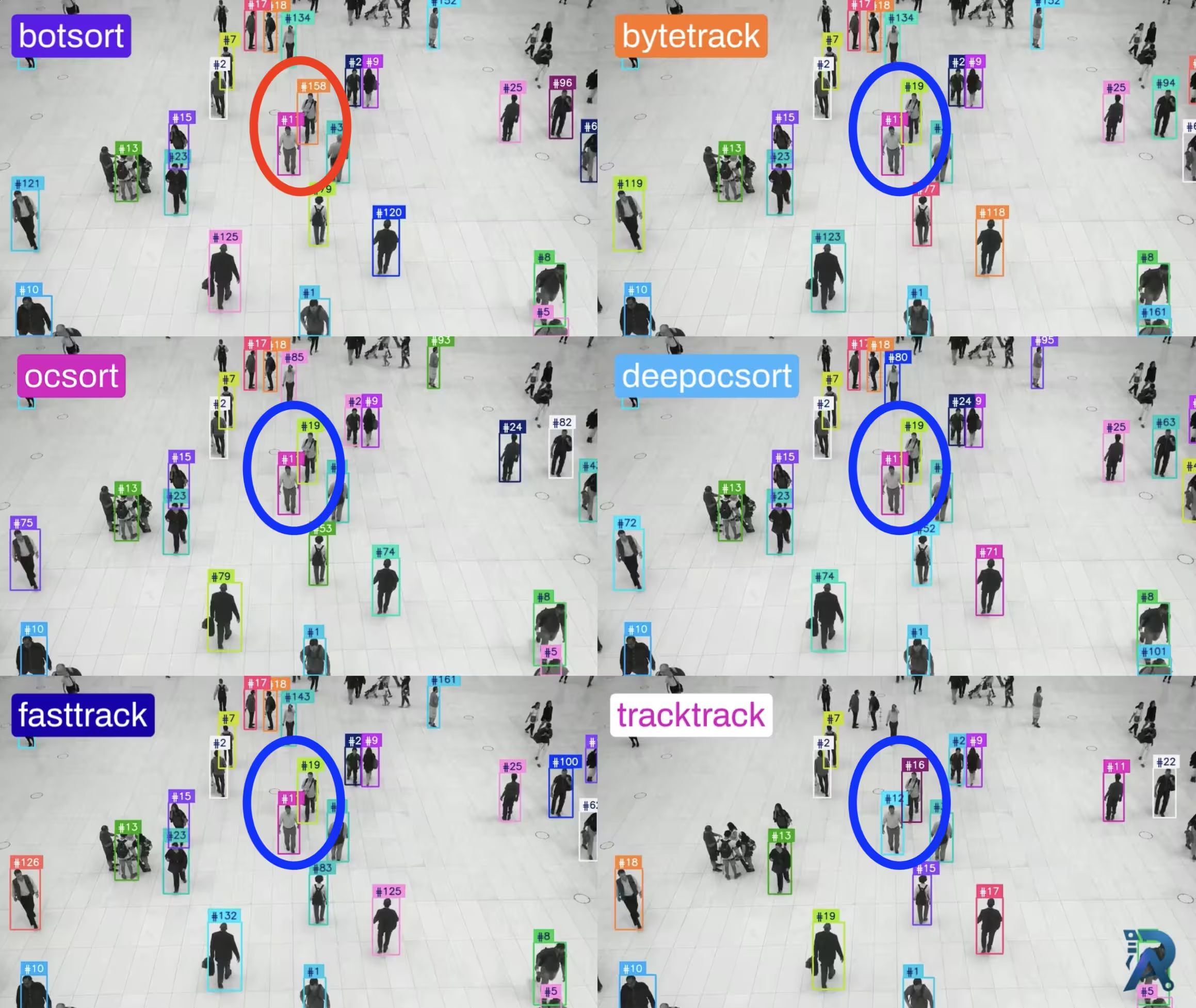
Ultralytics object trackers comparison: ByteTrack, BoT-SORT & More
 YOLO26June 25, 2026
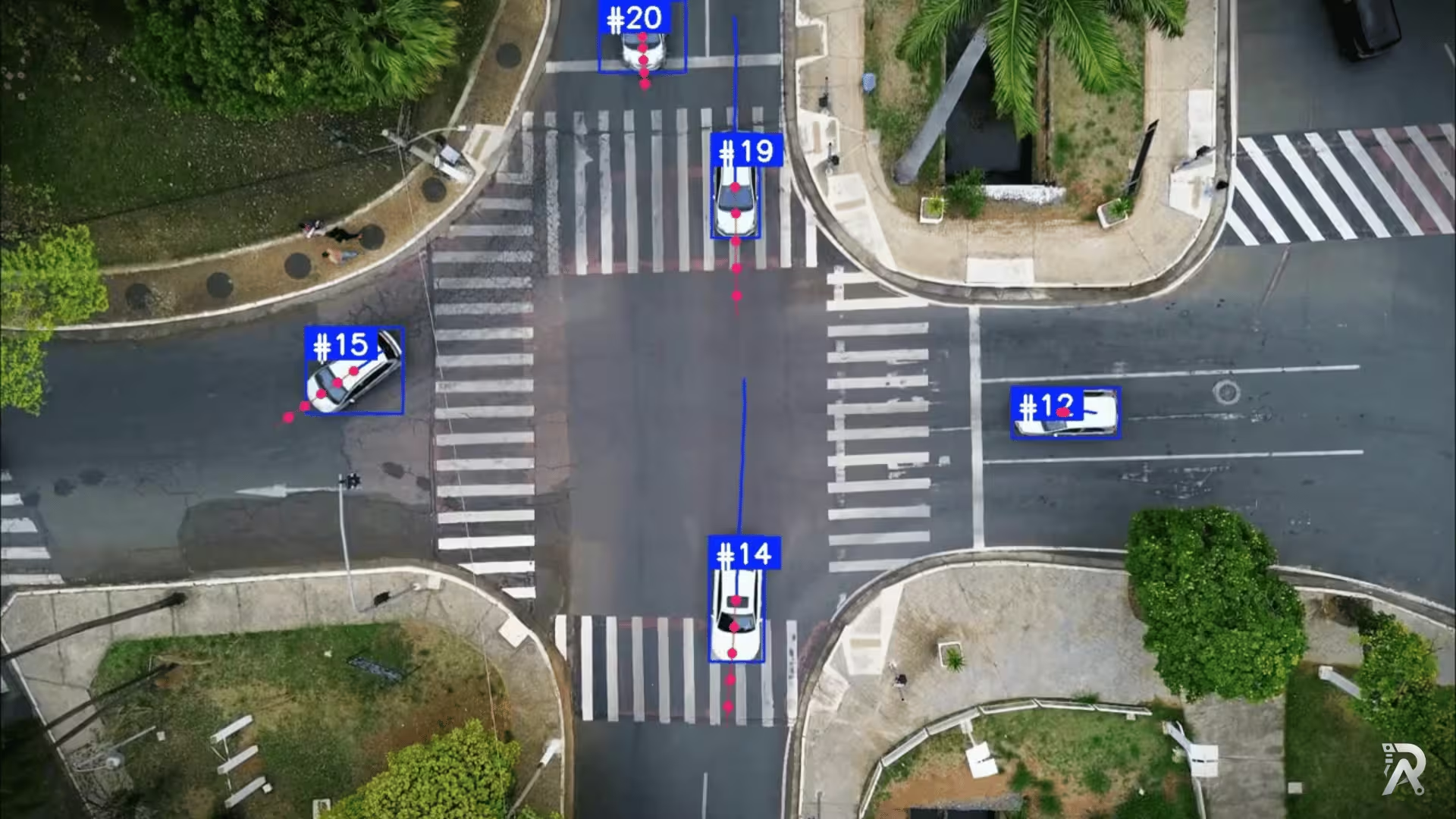
Object tracking and trajectory forecasting with YOLO26 and ByteTrack
 YOLO11June 24, 2026
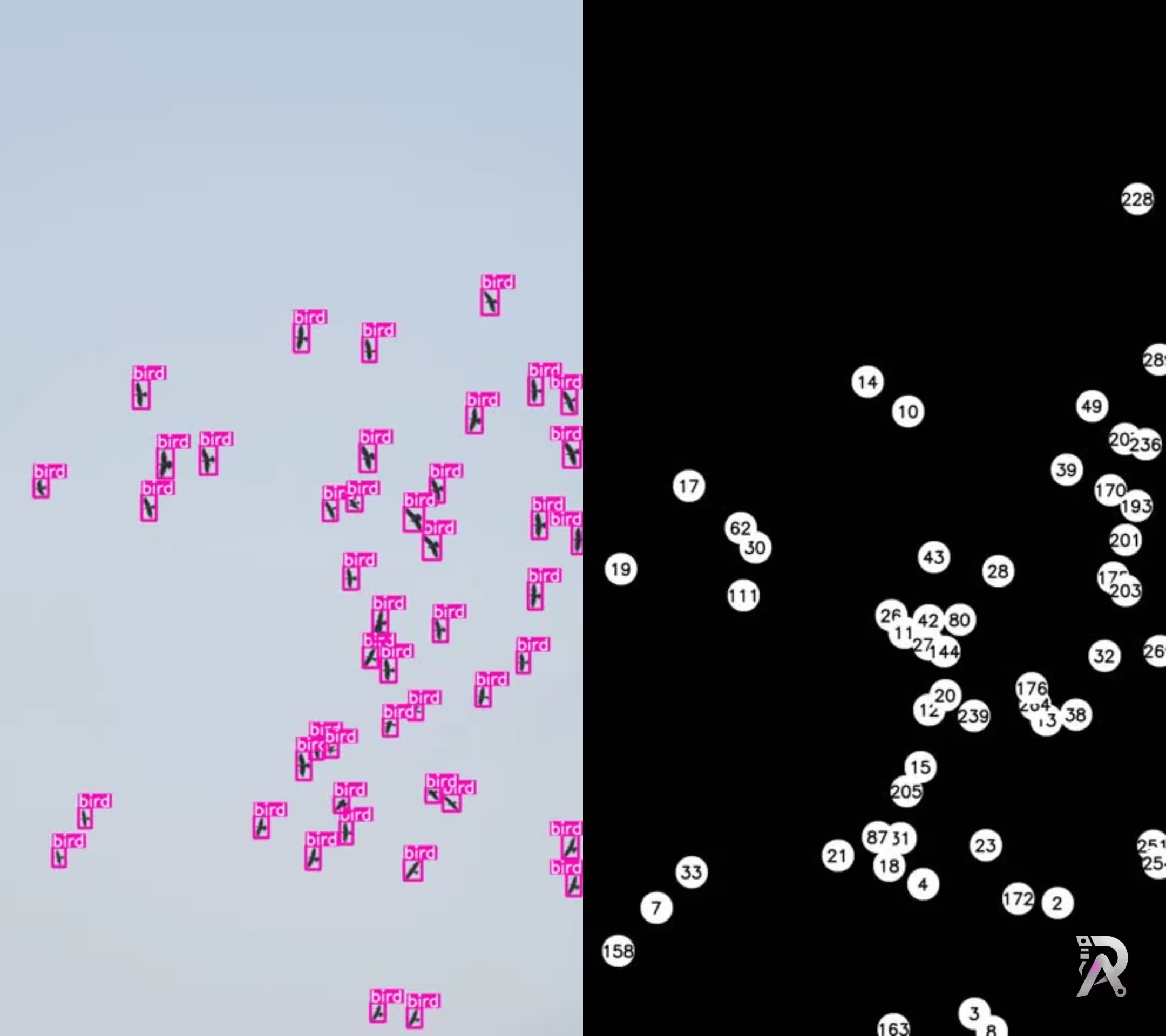
Real time bird detection and tracking using YOLO11
 YOLO26June 23, 2026
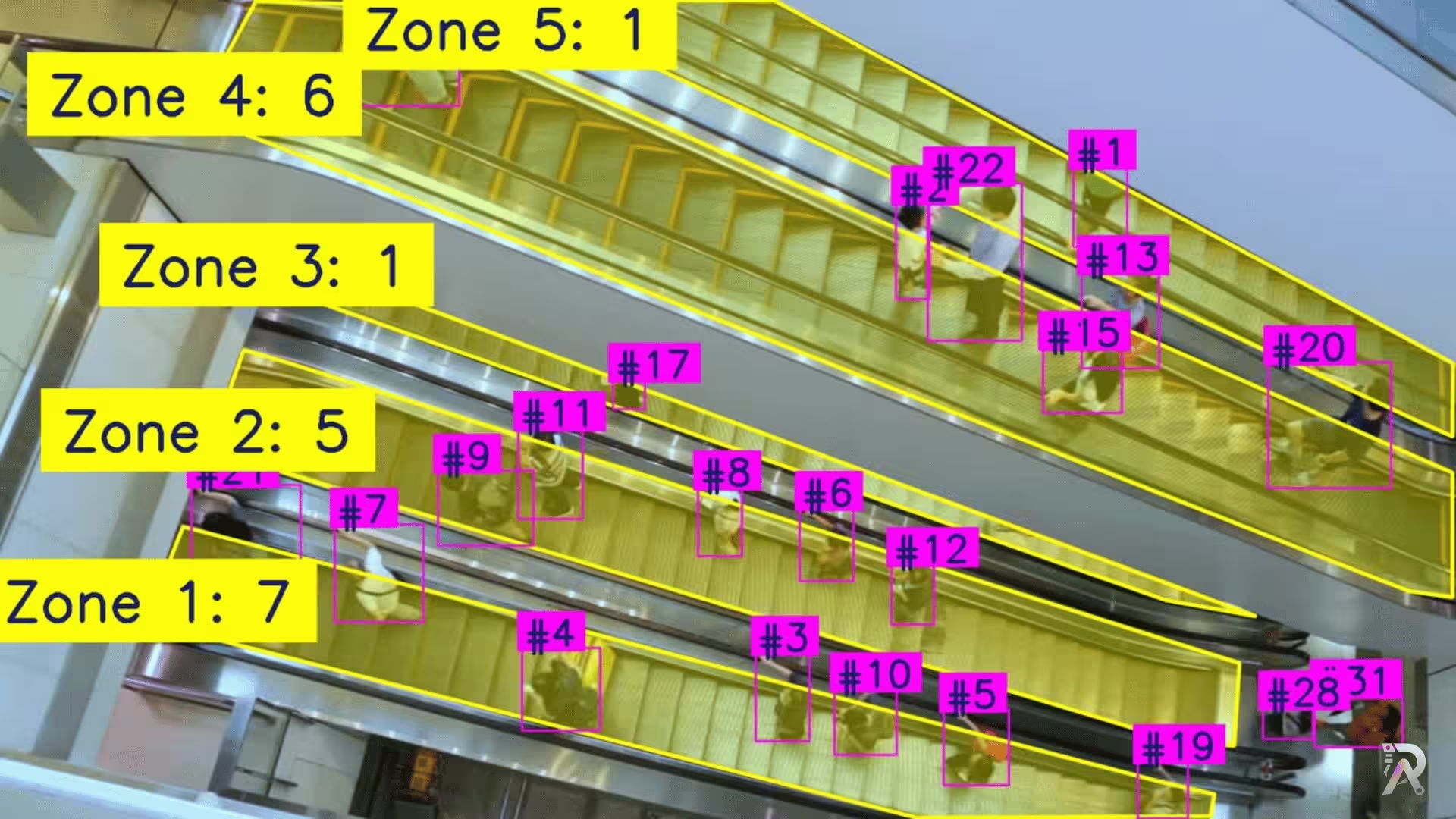
How to count people in zones with YOLO26 and OpenCV
Frequently asked questions
- Is ByteTrack faster than TrackTrack?
- On an NVIDIA H100 with yolo26n.pt, ByteTrack ran at 106 FPS and TrackTrack at 14 FPS end to end, detection included. Across all 10 GPU tiers ByteTrack was ahead on 10 and TrackTrack on 0. The ordering is the same on every tier tested.
- Which holds object IDs better, ByteTrack or TrackTrack?
- TrackTrack. On the same clip it recorded 4 ID fragmentations against 17, across 14 unique IDs for ByteTrack and 7 for TrackTrack, with average track lengths of 66.9 and 67.4 frames. These results come from this clip and detector; different footage, detections or settings can change the outcome.
- Is ByteTrack or TrackTrack cheaper to run?
- ByteTrack, at $0.0103 per 1,000 frames on an NVIDIA H100 versus $0.0775. The difference is occupancy: the slower tracker holds the GPU longer per frame, so the cost gap tracks the speed gap.
- Can ByteTrack and TrackTrack run in real time?
- ByteTrack sustained 30 FPS or better on 10 of the 10 GPU tiers and TrackTrack on 0. Per frame on an NVIDIA H100 that is 9.4 ms and 70.6 ms respectively. Anything under 33 ms per frame keeps up with a 30 FPS camera.
- Should I choose ByteTrack or TrackTrack?
- Choose ByteTrack for real-time apps, edge devices, most general-purpose tracking. Choose TrackTrack for offline / batch analysis where ID correctness is paramount. The fast, lightweight default that just works. Research-grade stability, the fewest ID breaks of all.
- Does a more expensive GPU make tracking more accurate?
- No. A faster GPU only makes tracking run faster; it does not change how accurately the tracker follows objects. Accuracy and ID-stability depend on the tracking algorithm and your detector, not the hardware. That is why this page reports speed per GPU, but ID-stability only once.
- How was this YOLO tracker benchmark run?
- Every tracker ran on the same 200-frame clip with the same yolo26n.pt detector, on each of the 10 GPU tiers. FPS is the end-to-end detection-plus-tracking rate. All six trackers are built into Ultralytics, so results are reproducible with a single script.