Model weights · Depth Anything V2
Download Depth Anything V2 weights
A monocular depth model. Hand it one ordinary photo and it returns a dense depth map, a per-pixel estimate of how far everything is from the camera, with no stereo rig or LiDAR. Pick a size below and download the official .pth checkpoint in one click, with published parameters, size and license all in view.
Licensing. Ultralytics YOLO models are AGPL-3.0. Review Ultralytics licensing before you use them, particularly in a closed-source product, where an Enterprise license is required. Everything published on this site is released under MIT or Apache-2.0, with minimal paid features. Full licensing notes.
Depth Anything V2 checkpoints, pick a size and download
A monocular depth model. Hand it one ordinary photo and it returns a dense depth map, a per-pixel estimate of how far everything is from the camera, with no stereo rig or LiDAR.
The license depends on which encoder you download. Small is Apache-2.0, and it is the only checkpoint you can ship in a closed commercial product. Base and Large are CC-BY-NC-4.0, so they are for research and non-commercial use only.
- Depth Anything V2 Small (ViT-S)depth_anything_v2_vits.pth
- Params
- 24.8M
- Size
- 95 MB
Apache-2.0 - Depth Anything V2 Base (ViT-B)depth_anything_v2_vitb.pth
- Params
- 97.5M
- Size
- 372 MB
CC-BY-NC-4.0 - Depth Anything V2 Large (ViT-L)depth_anything_v2_vitl.pth
- Params
- 335.3M
- Size
- 1279 MB
CC-BY-NC-4.0
| Model | Params | Size | License | Download |
|---|---|---|---|---|
Depth Anything V2 Small (ViT-S) depth_anything_v2_vits.pth | 24.8M | 95 MB | Apache-2.0 | |
Depth Anything V2 Base (ViT-B) depth_anything_v2_vitb.pth | 97.5M | 372 MB | CC-BY-NC-4.0 | |
Depth Anything V2 Large (ViT-L) depth_anything_v2_vitl.pth | 335.3M | 1279 MB | CC-BY-NC-4.0 |
Figures are published by the authors. Weights host: huggingface.co. Clicking Download verifies the file and starts it straight from the official CDN.
How to load Depth Anything V2 weights
Depth Anything V2 is not part of the Ultralytics ecosystem, so it does not load with the YOLO loader. Set up the official repo, then point it at the checkpoint you downloaded above.
git clone https://github.com/DepthAnything/Depth-Anything-V2
pip install -r Depth-Anything-V2/requirements.txtimport cv2
import torch
from depth_anything_v2.dpt import DepthAnythingV2
DEVICE = "cuda" if torch.cuda.is_available() else "cpu"
# Each encoder needs its matching config. They are not interchangeable.
CONFIGS = {
"vits": {"encoder": "vits", "features": 64, "out_channels": [48, 96, 192, 384]},
"vitb": {"encoder": "vitb", "features": 128, "out_channels": [96, 192, 384, 768]},
"vitl": {"encoder": "vitl", "features": 256, "out_channels": [256, 512, 1024, 1024]},
}
encoder = "vits"
model = DepthAnythingV2(**CONFIGS[encoder])
model.load_state_dict(torch.load(f"depth_anything_v2_{encoder}.pth", map_location="cpu"))
model = model.to(DEVICE).eval()
depth = model.infer_image(cv2.imread("image.jpg")) # HxW numpy depth mapWant to see the architecture? Export to ONNX and open it in the ONNX visualizer for a labelled diagram with shapes and parameter counts.
Open visualizer →vits vs vitb vs vitl: which encoder should you download?
All three encoders are the same architecture at three sizes, so the usual advice is to start small and move up until the depth maps look good enough. That advice misses something here, because the encoders are not licensed the same way. Work down this list and take the first row that matches you.
- 1You are shipping this in a commercial product
It is the only one of the three under Apache-2.0. Base and Large are CC-BY-NC-4.0, which rules out commercial use no matter how much VRAM you have. Nothing below changes this.
Small (vits), 95 MB - 2Research, a prototype, or an internal demo
24.8M parameters, runs on CPU, downloads in seconds. It is a good model, not a toy, and it is the one most people should try first whatever their licensing situation. Move up after you have watched it fail on your own images, not before.
Small (vits), 95 MB - 3Small looks blurry on thin structures and you have a GPU
335.3M parameters. This is where poles, railings, wires and hair hold together instead of smearing into the background. Non-commercial only. If you already know Small is not enough, go straight here and skip Base.
Large (vitl), 1.25 GB - 4You need a middle ground on constrained hardware
97.5M parameters, and it sits between the other two on both quality and cost. It is the least-used of the three. Worth it when Small is close but you cannot run Large. Non-commercial only.
Base (vitb), 372 MB - 5You need distances in real-world meters
None of the three above give you metric depth. They output relative depth with no scale. Use the Hypersim (indoor) or VKITTI (outdoor) fine-tunes instead, linked in the FAQ below. Their Small variants are Apache-2.0 as well.
A fine-tuned metric checkpoint - 6You are running video and the depth flickers between frames
A bigger V2 encoder will not fix this. V2 has no temporal memory, so flicker across frames is expected. Video Depth Anything is the separate model built to solve it.
Video Depth Anything
There is no fourth option. ViT-G (1.3B) shows up in the repo's config dict and in the README's model table marked "Coming soon", but it was never released, and depth_anything_v2_vitg.pth does not exist anywhere official. Large is the ceiling for Depth Anything V2. If you need more than that, Depth Anything 3 (November 2025) is where the group's work continued.
Choosing a Depth Anything V2 checkpoint
Read off the table above: what each step up the size ladder costs and returns for this family specifically, where it stops being worth it, and what the license actually permits.
What the size ladder buys
Depth Anything V2 ships 3 checkpoints, from Depth Anything V2 Small (ViT-S) at 24.8M parameters to Depth Anything V2 Large (ViT-L) at 335.3M, 13.5× the model. These are promptable models with no single comparable accuracy figure, so the table lists parameters and download size rather than inventing one. Size and throughput are the axis you choose on: pick the smallest checkpoint that holds up on your own data rather than the largest you can fit.
Licensing, in practice
The weights are CC-BY-NC-4.0 / Apache-2.0. Not uniformly, though: some checkpoints in this family carry their own terms (Apache-2.0 and CC-BY-NC-4.0), so check the badge on the exact row before shipping. Read the linked license text against your deployment before committing to it.
About Depth Anything V2
Depth Anything V2 predicts a dense depth map from a single RGB image. It was trained on synthetic labelled images plus a very large pool of pseudo-labelled real photos. There are three encoders (ViT-S, ViT-B, ViT-L) trading speed for sharpness, and separate fine-tuned checkpoints for true metric depth in meters. Watch the licensing when you pick a size: Small is Apache-2.0, but Base and Large are CC-BY-NC-4.0, so the encoder decides whether you can ship commercially. A fourth encoder, ViT-G, is listed in the official README as "Coming soon" and has never been released. V2 is also no longer the newest model from this group, since Depth Anything 3 landed in November 2025, but V2 is still the most widely deployed and the one most tutorials target.
- Author
- TikTok / HKU (Yang et al.)
- Released
- 2024
- Tasks
- Relative depth, Metric depth (fine-tuned)
- Framework
- PyTorch (official repo or Transformers)
- Input size
- 518px
- License
- CC-BY-NC-4.0 / Apache-2.0
More model weights to download
Each page lists every checkpoint with accuracy, parameters, license and a one-click download.
From the blog
Tutorials, code, and notes on computer vision, deep learning, and applied AI.
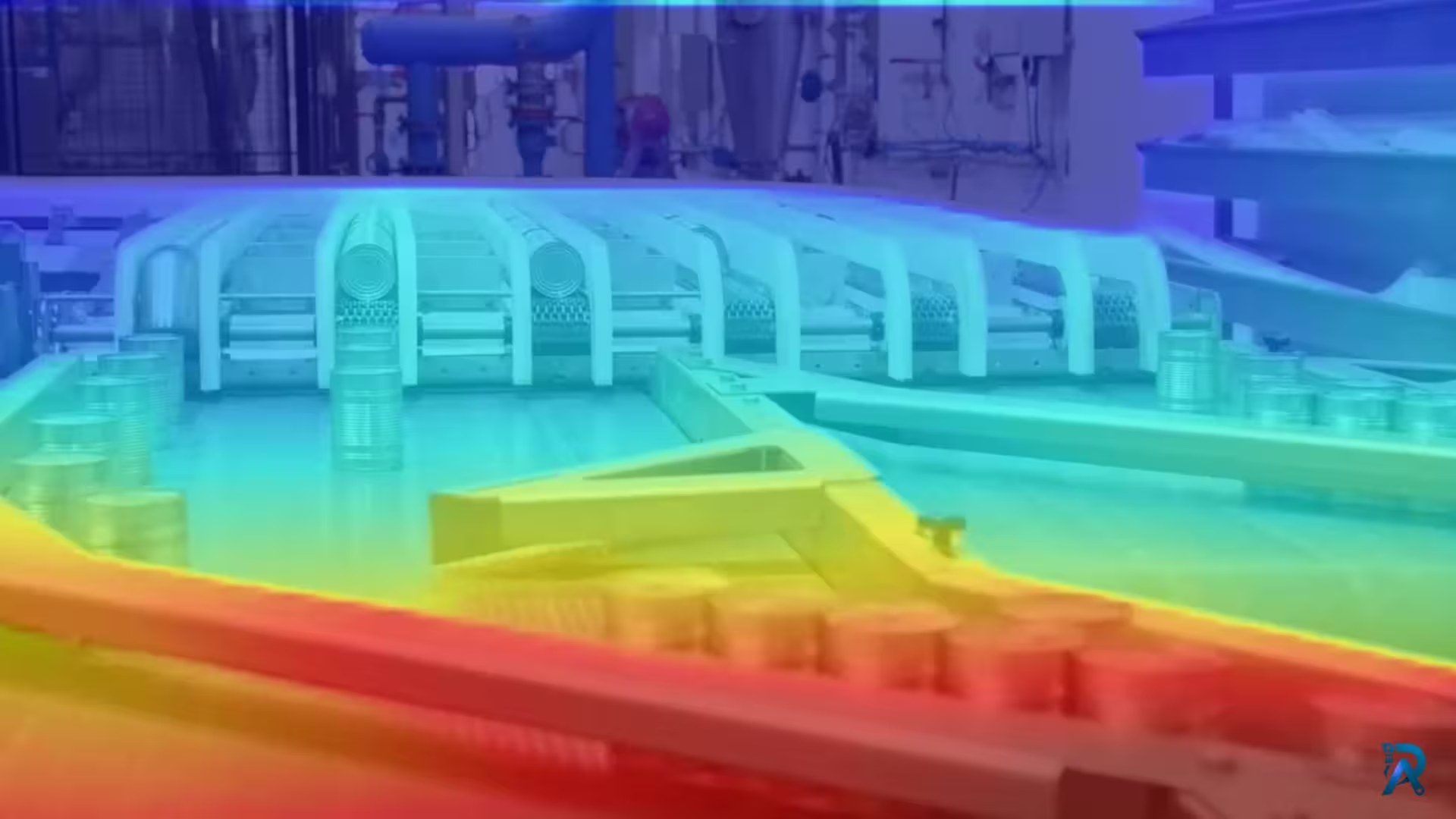 Depth EstimationJuly 27, 2026
Video Depth Anything in Python: consistent depth for video
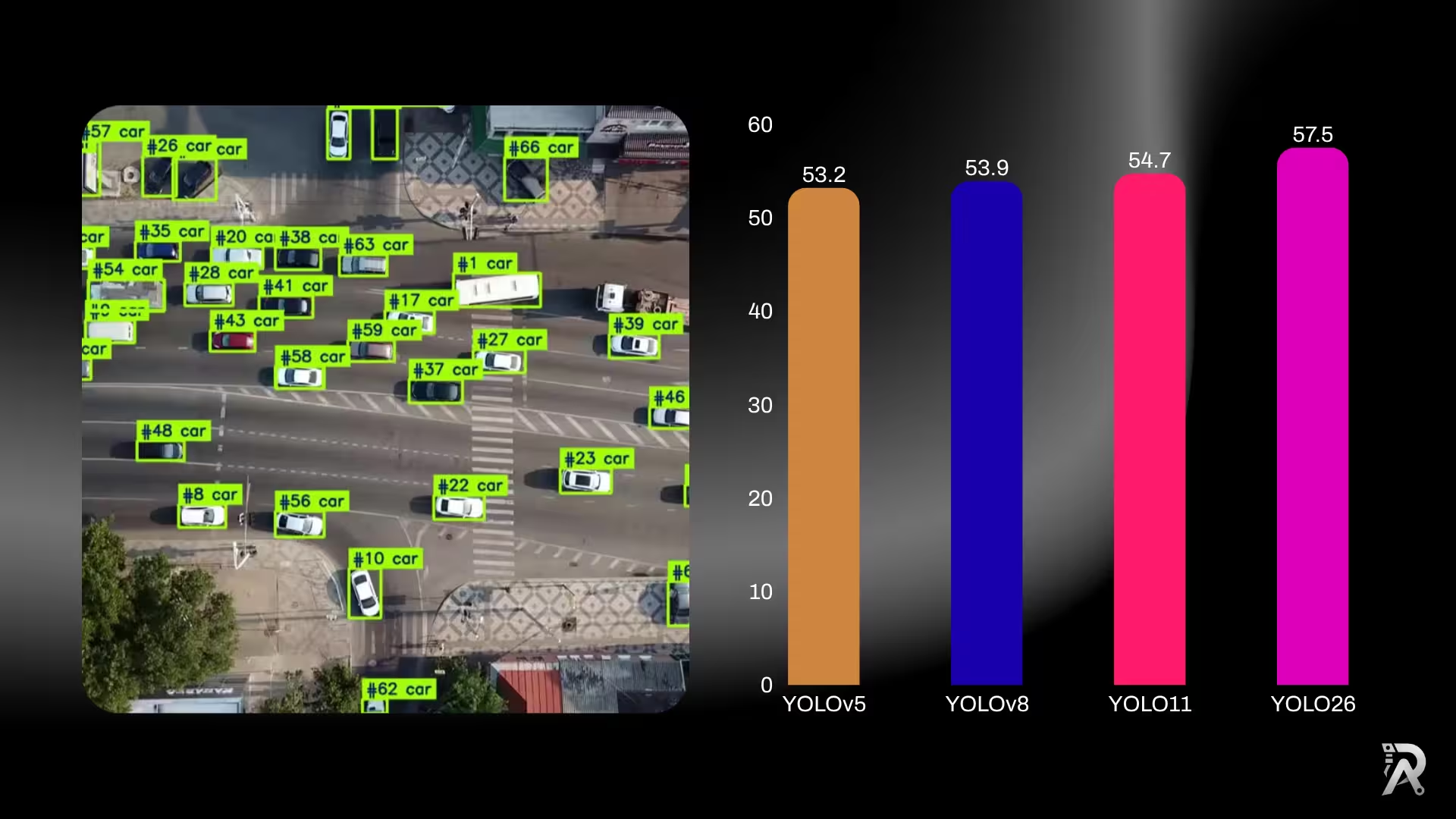 YOLO26July 19, 2026
YOLO26 vs YOLO11 vs YOLOv8: which one should you use?
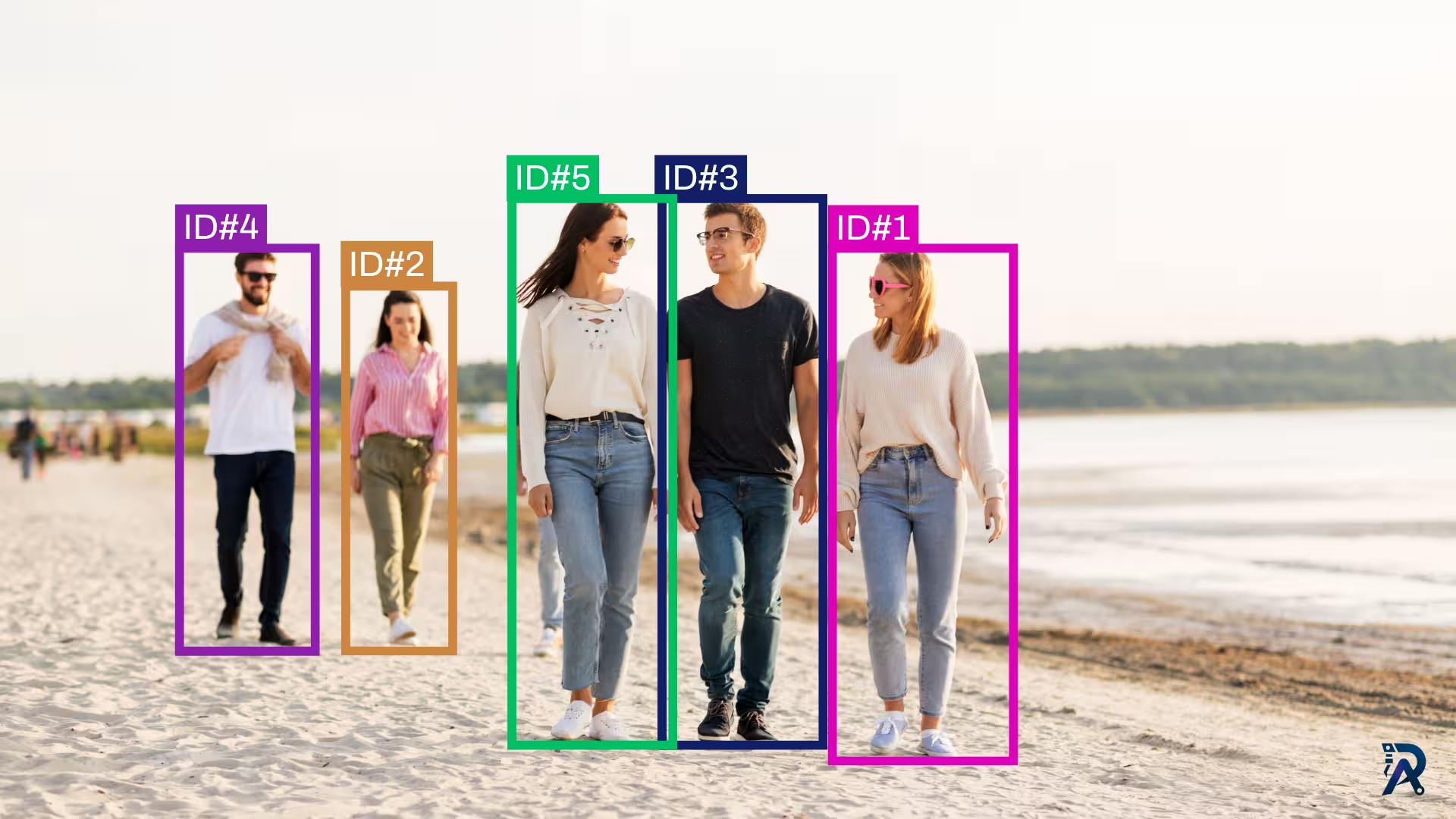 Object TrackingJuly 18, 2026
How to use ByteTrack with YOLO for object tracking in Python
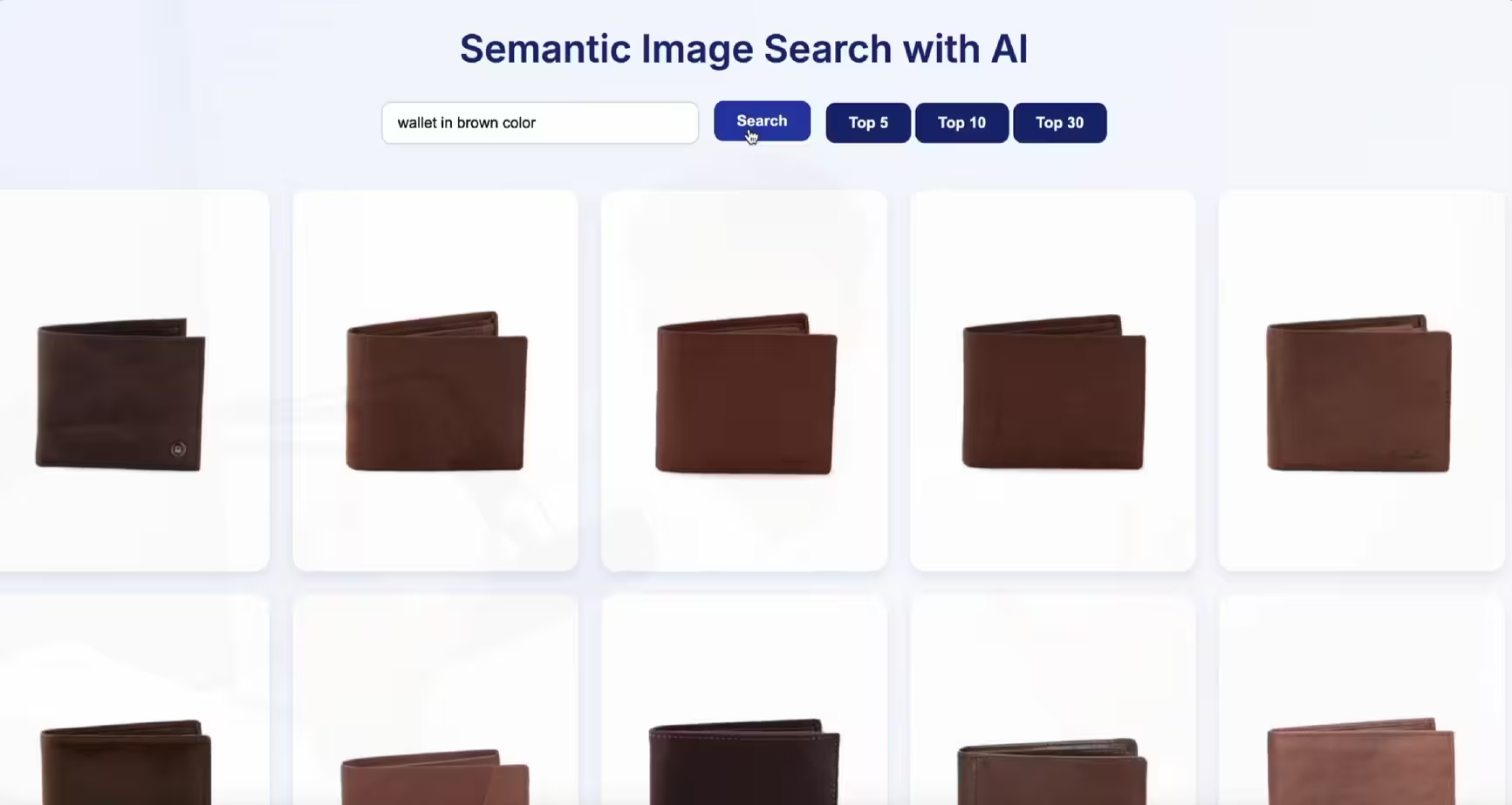 Semantic SearchJuly 6, 2026
Build a semantic image search engine with CLIP and Python
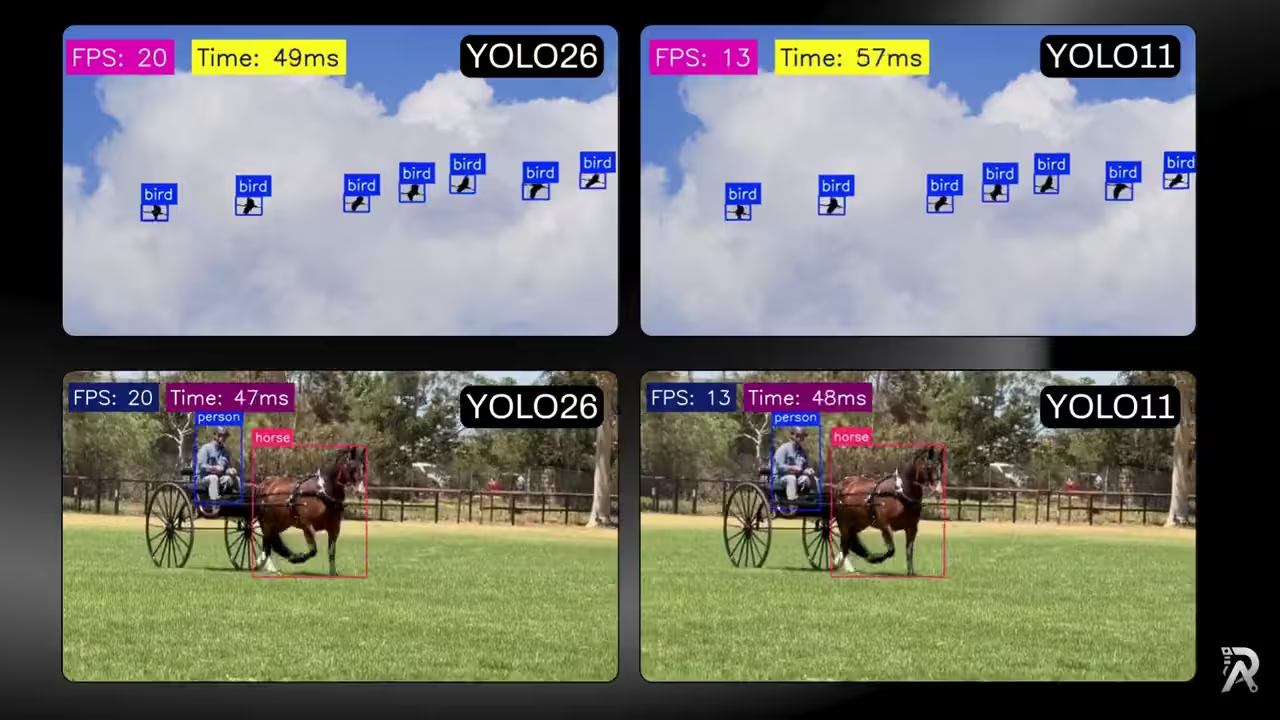 YOLO26July 3, 2026
YOLO26 vs YOLO11: ONNX speed, FPS and latency benchmark
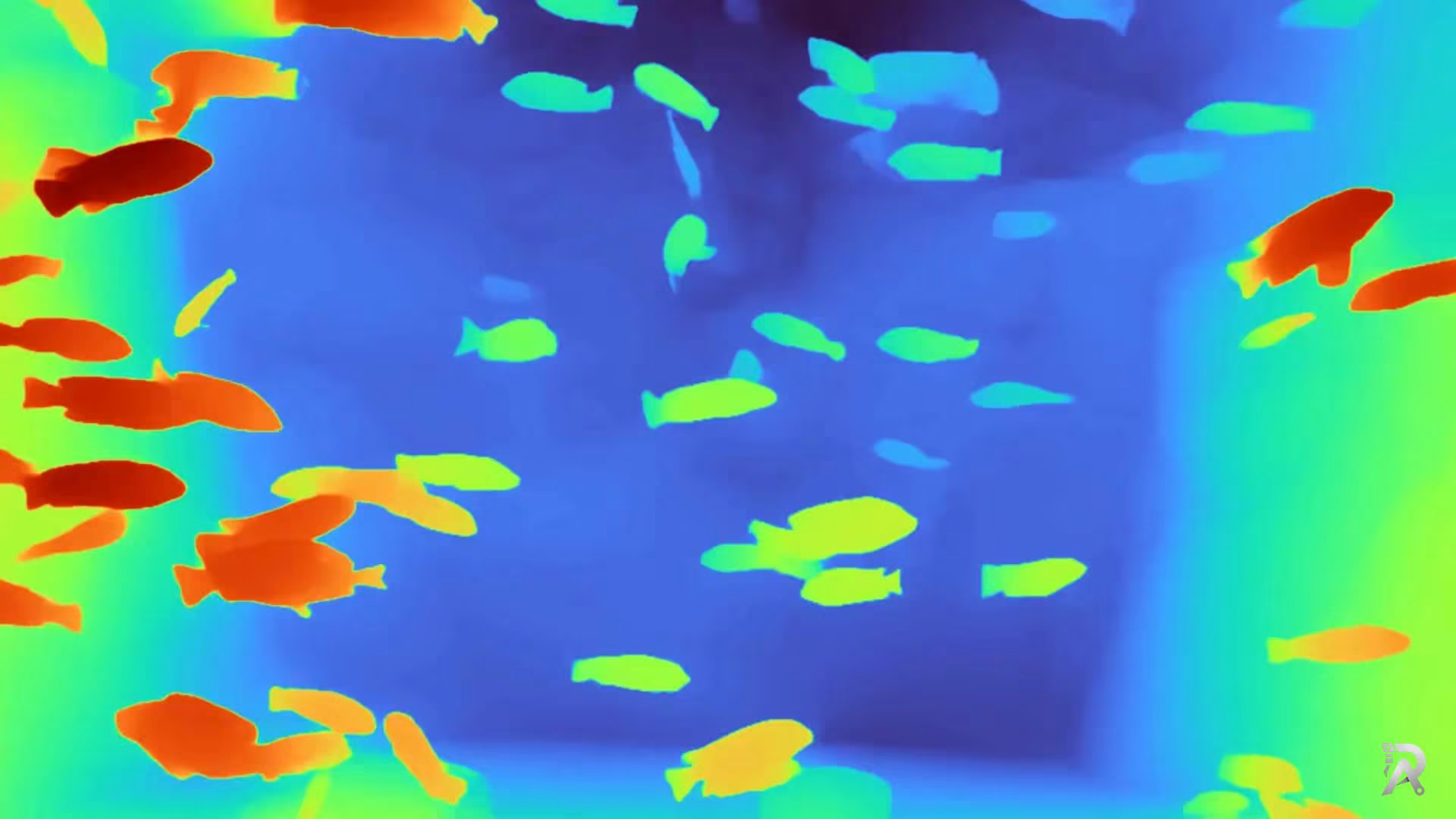 Depth EstimationJuly 1, 2026
Depth Anything V2 in Python: depth from image, video or webcam
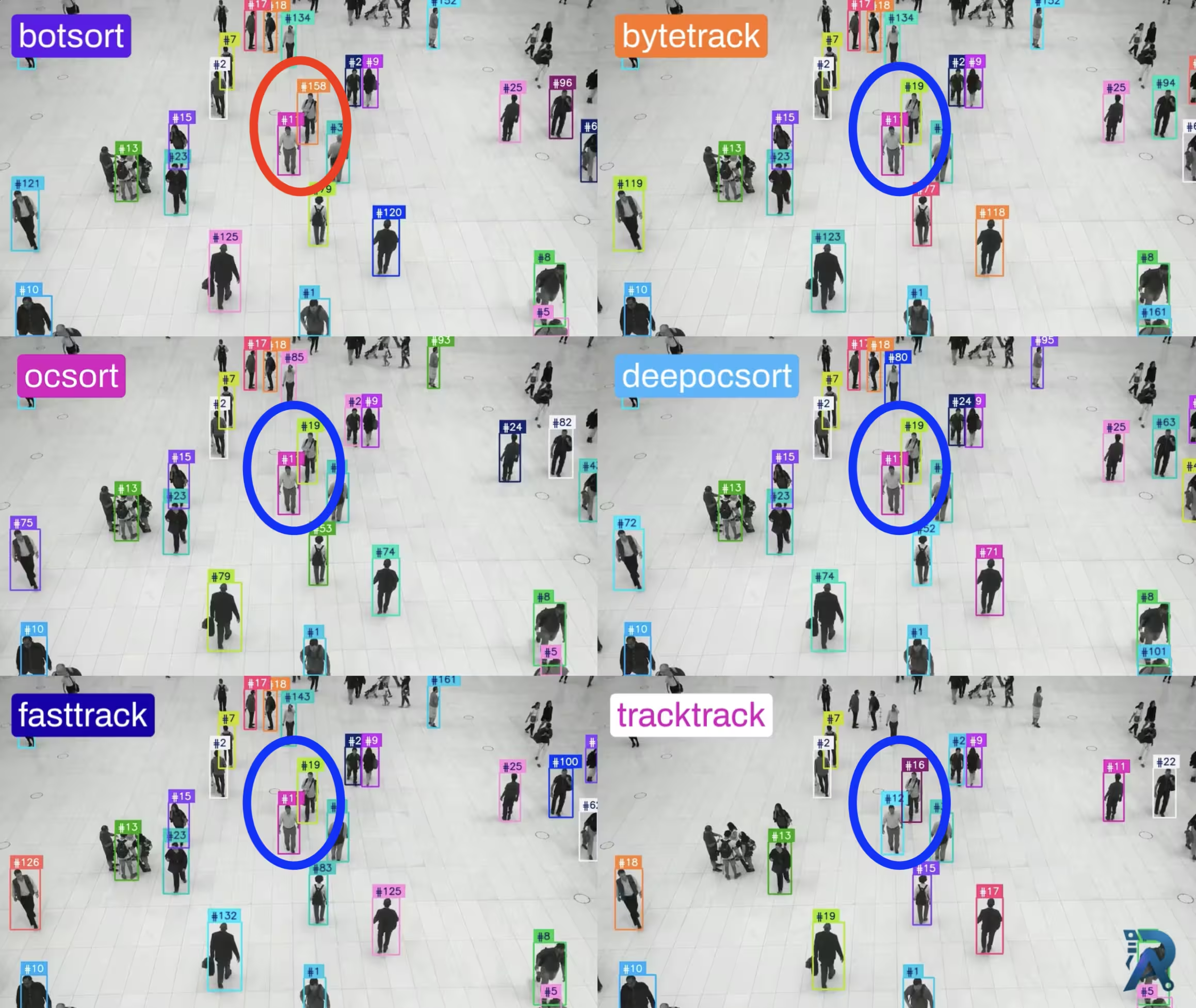 Object TrackingJune 27, 2026
Ultralytics object trackers comparison: ByteTrack, BoT-SORT & More
 OCRJune 26, 2026
How to extract text from images with LightOnOCR and Python
Frequently asked questions
- Which Depth Anything V2 encoder should I use: vits, vitb or vitl?
- Check the license first, because it may decide this for you. Only Small (vits) is Apache-2.0, so if you are shipping a closed commercial product it is your only option of the three. If licensing is not a constraint, Small at 24.8M parameters and 95 MB is a good default and runs fine on CPU. Base (vitb, 97.5M, 372 MB) is the balance point. Large (vitl, 335.3M, 1.25 GB) gives the sharpest edges and holds onto thin structures like poles, railings and hair, but it wants a GPU. One gotcha: each encoder needs its own matching config dict, so you cannot load vitl weights into a vits config.
- Where can I download depth_anything_v2_vitg.pth?
- You cannot, because it does not exist publicly. The official README lists Depth-Anything-V2-Giant (1.3B parameters) as "Coming soon" and it has never been published. There is no Giant repo on the authors' Hugging Face account, and the URL that would match the pattern of the other encoders returns a 401. The vitg entry in the repo's model_configs is a placeholder for weights that never shipped. Large (vitl) is the biggest Depth Anything V2 checkpoint you can actually download. If you need something bigger, look at Depth Anything 3, released in November 2025.
- Is Depth Anything V2 free for commercial use?
- Only partly, and this catches people out. The Small checkpoint is Apache-2.0, which is permissive and commercial-friendly. Base and Large are CC-BY-NC-4.0, where the NC means non-commercial, so they are for research and evaluation rather than a product you sell or run as a paid service. Note that the code in the GitHub repo is Apache-2.0, which is a separate thing from the weights. An Apache-2.0 repo does not make a CC-BY-NC-4.0 checkpoint commercially usable. Check the license column above against your deployment before you build anything on Base or Large.
- Does Depth Anything V2 output metric depth in meters?
- Not by default. The three checkpoints above predict relative (inverse) depth. That orders pixels near-to-far and is what you want for visualization, masking or compositing, but the values carry no real-world scale. For distances in meters, use the separate fine-tuned metric checkpoints: Hypersim for indoor scenes, VKITTI for outdoor and driving scenes. They live in their own Hugging Face repos, and the metric Small variants are Apache-2.0 too.
- What is the difference between Depth Anything V2 and Video Depth Anything?
- Depth Anything V2 runs per frame with no memory of the last one, so on video the depth of a static object can flicker. Video Depth Anything is a separate model from the same group, built for temporal consistency across long videos. If you are seeing flicker running V2 frame by frame, that is expected behavior, and Video Depth Anything is the fix rather than a bigger V2 encoder. Its checkpoints follow the same licensing split: video_depth_anything_vits.pth is Apache-2.0, the Large one is CC-BY-NC-4.0.
- Do I need a GPU to run Depth Anything V2?
- No. Small runs on CPU at usable speed for still images, and on Apple Silicon it can use MPS. A CUDA GPU matters most for video, or for the Large encoder, where a 1.25 GB model over many frames gets slow on CPU quickly. Start with Small on whatever hardware you have, and move up only if the depth maps are not sharp enough for what you are doing.