How to count people in zones with YOLO26 and OpenCV
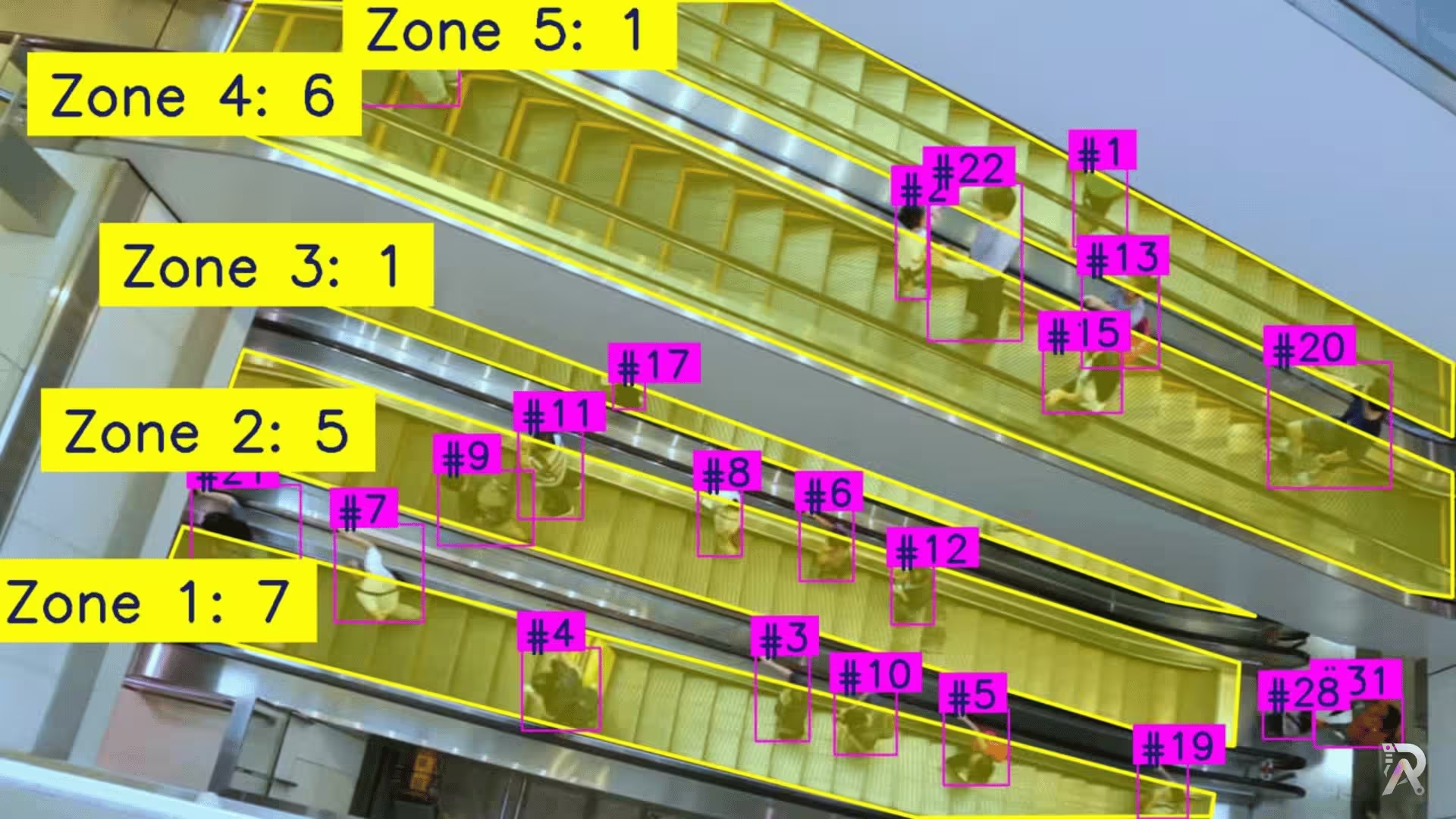
A practical walkthrough of a compact Python script that detects, tracks, and counts people inside polygon zones using Ultralytics YOLO26 and OpenCV.
Read article →A camera already sees everything that happens. Video analytics is the work of turning that into a number you can act on: how many, how long, which way, and when it changed. The hard part is not detection. It is keeping an identity attached to a person or a vehicle as they get occluded, leave frame and come back.
If one of these sounds like your situation, a short call is probably worth your time.
You have footfall or queue data that is sampled, estimated, or collected by someone with a clipboard.
Counts are wrong in exactly the situations you care about: peak hours, crowded scenes, overlapping people.
You need dwell time or flow direction, and detection alone cannot give you either.
A prototype works on one clip and nobody knows what it does on a full day of footage.
Every stage ends with something you can evaluate, so you are never asked to fund the next stage on faith.
A 'visitor count' can mean four different things, and the tracker configuration follows from which one you mean. We pin down the definition, the zones, and what a re-entry should do to the number, before any code.
Tracker choice is a real engineering decision with measurable trade-offs. ByteTrack is fast and light; appearance-based trackers survive occlusion better and cost throughput. I have benchmarked six of them across ten GPUs and published the numbers, so the pick is made on data rather than on a default.
Where the counting lines sit, how zones are drawn, how long someone has to linger to count as dwelling, and how identity switches are handled. Tuned against your footage until the numbers match a manual count on a sample.
One clip in a notebook is not the problem; a full day of footage is. This stage measures the pipeline on your own recordings, reports where it disagrees with a human count, and writes the metrics into whatever database or dashboard you already use.
ByteTrack is the usual starting point: fast, no appearance model, and it holds up well when people are mostly visible. In crowded scenes with heavy occlusion, an appearance-based tracker like BoT-SORT or Deep OC-SORT recovers identities better at a real cost in throughput. The tracker benchmarks on this site measure that trade-off across ten GPUs, so the choice can be made on numbers.
It depends on the scene, and the only honest answer comes from your own footage. The standard check is to count a sample by hand and compare. That comparison is part of the work rather than something taken on trust, because a counting system nobody has validated is a number nobody should act on.
The strongest answer is architectural: process frames and keep only the counts, so there is no footage stored and nothing to breach. Where faces or plates do need to be retained, they can be blurred at ingest, using the same approach as the free blurring tool on this site.
In many cases yes, if the cameras expose a standard stream. Frame rate and placement matter more than resolution for tracking, because identity is maintained across frames and a very low frame rate makes objects jump too far between them. Worth checking against your actual streams before committing.
These are full walkthroughs with code, not case-study summaries. Read them and judge the engineering before you book anything.

A practical walkthrough of a compact Python script that detects, tracks, and counts people inside polygon zones using Ultralytics YOLO26 and OpenCV.
Read article →
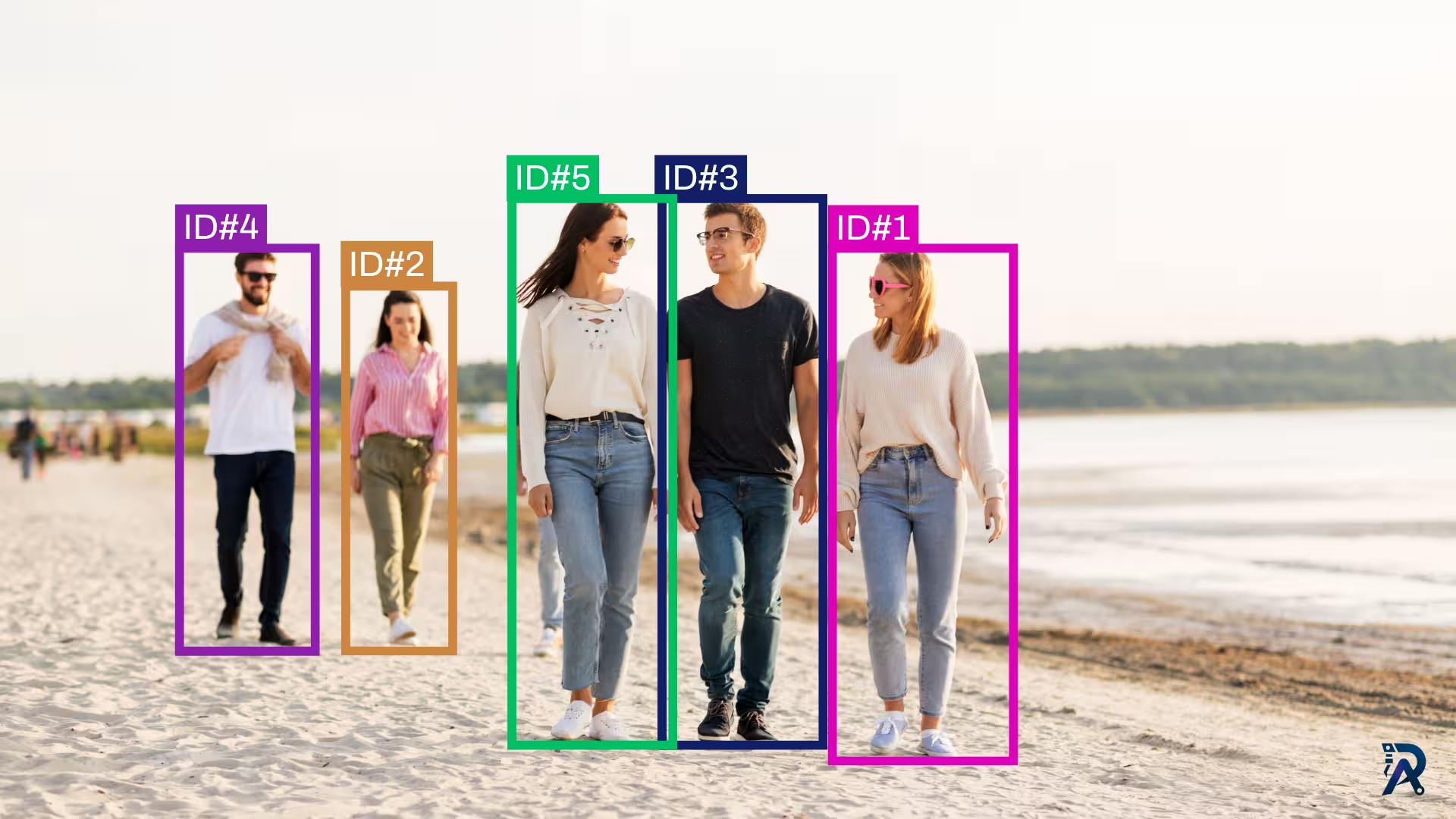
Give YOLO a memory. This tutorial uses ByteTrack to assign persistent IDs to objects across video frames, with a runnable Ultralytics script and a bytetrack.yaml tuning guide.
Read article →
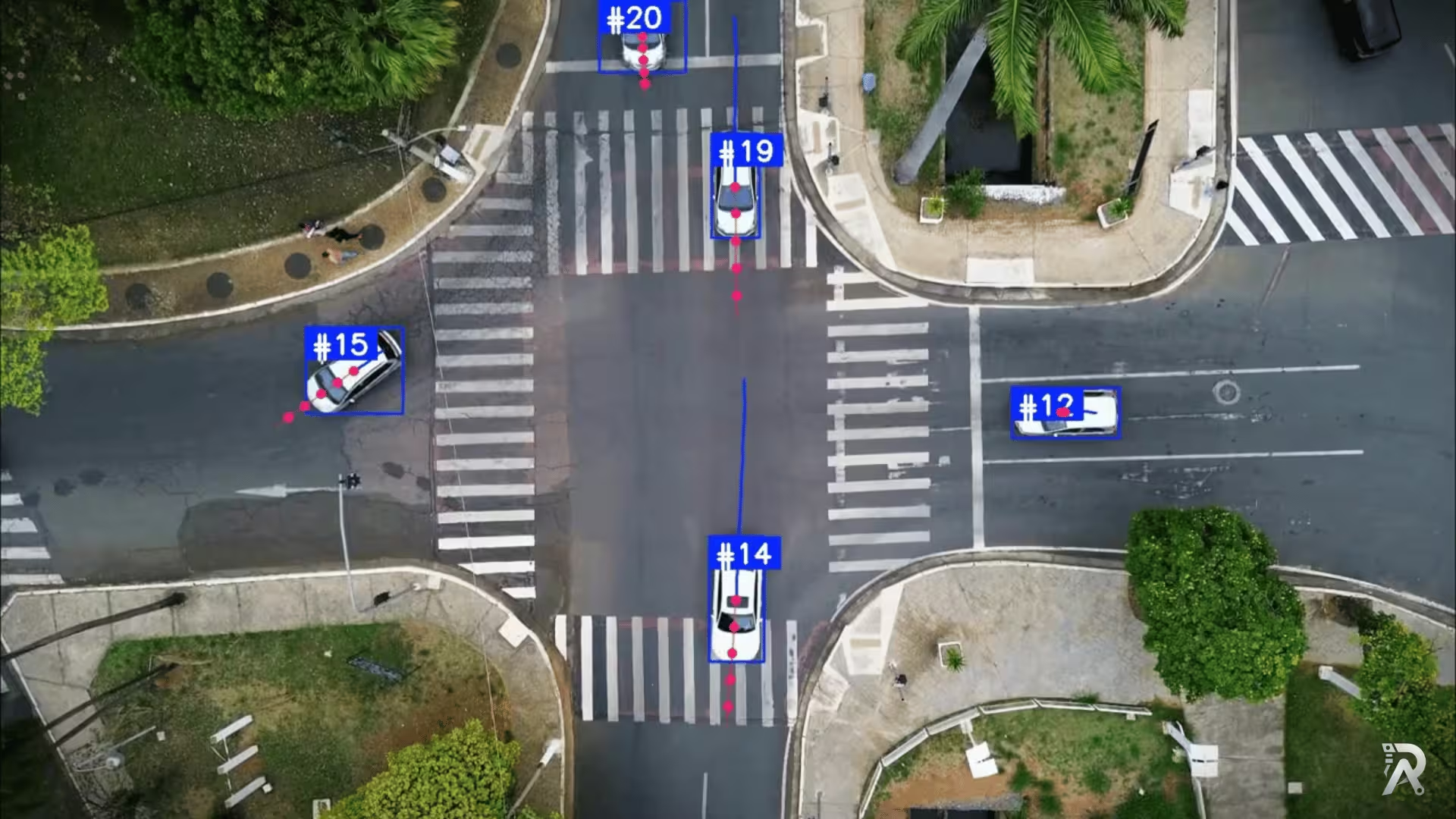
Detect, track, and predict the future path of people and vehicles using Ultralytics YOLO26, ByteTrack, and a lightweight velocity-based forecasting model.
Read article →
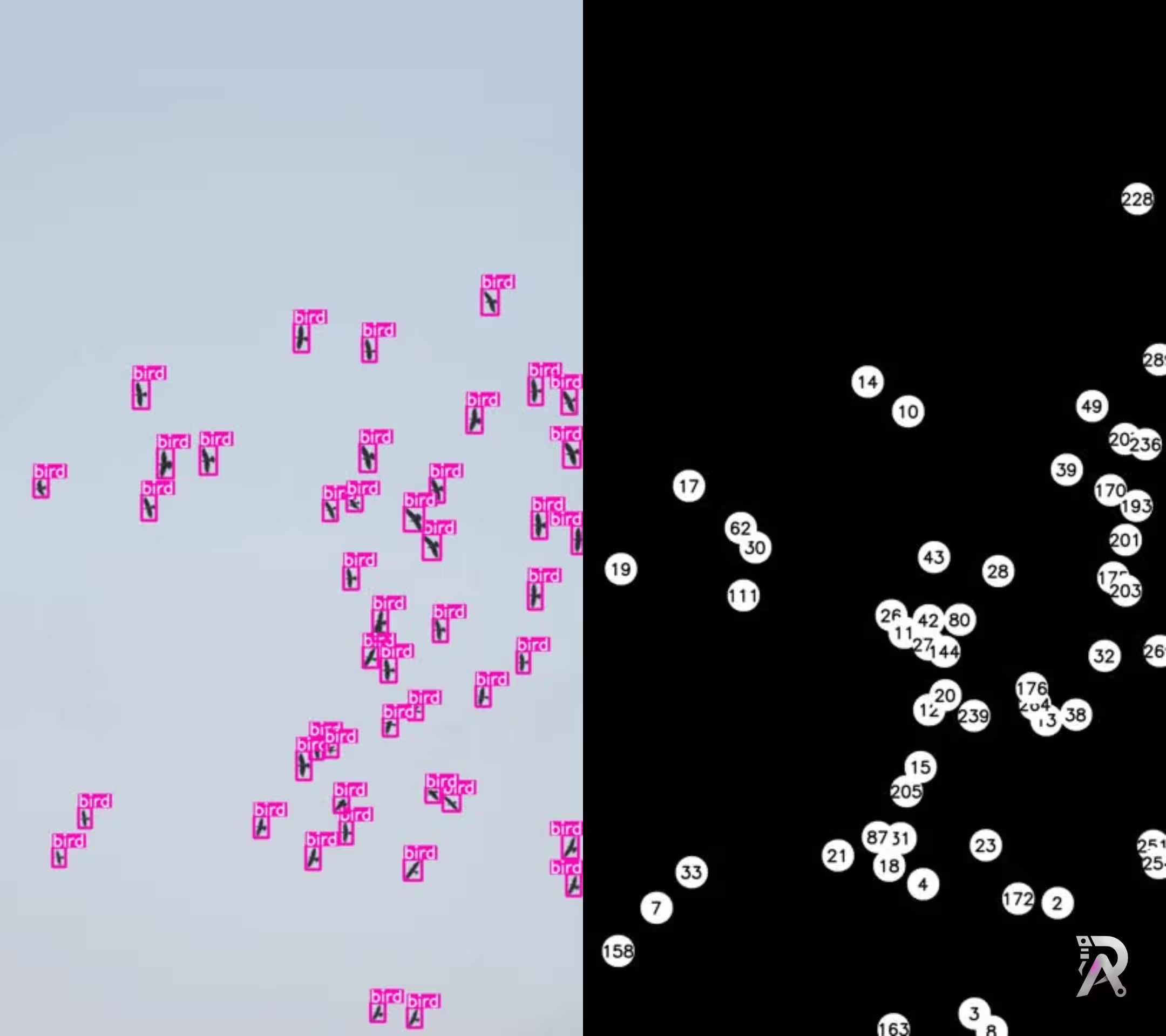
Learn how to detect and track birds using Ultralytics YOLO11 for real-time monitoring and ecological research through computer vision.
Read article →Tell me what you want to see, read, or measure. You will get a straight answer on whether it is solvable, what accuracy is realistic, and what it costs, including when the answer is that you should not build it.