
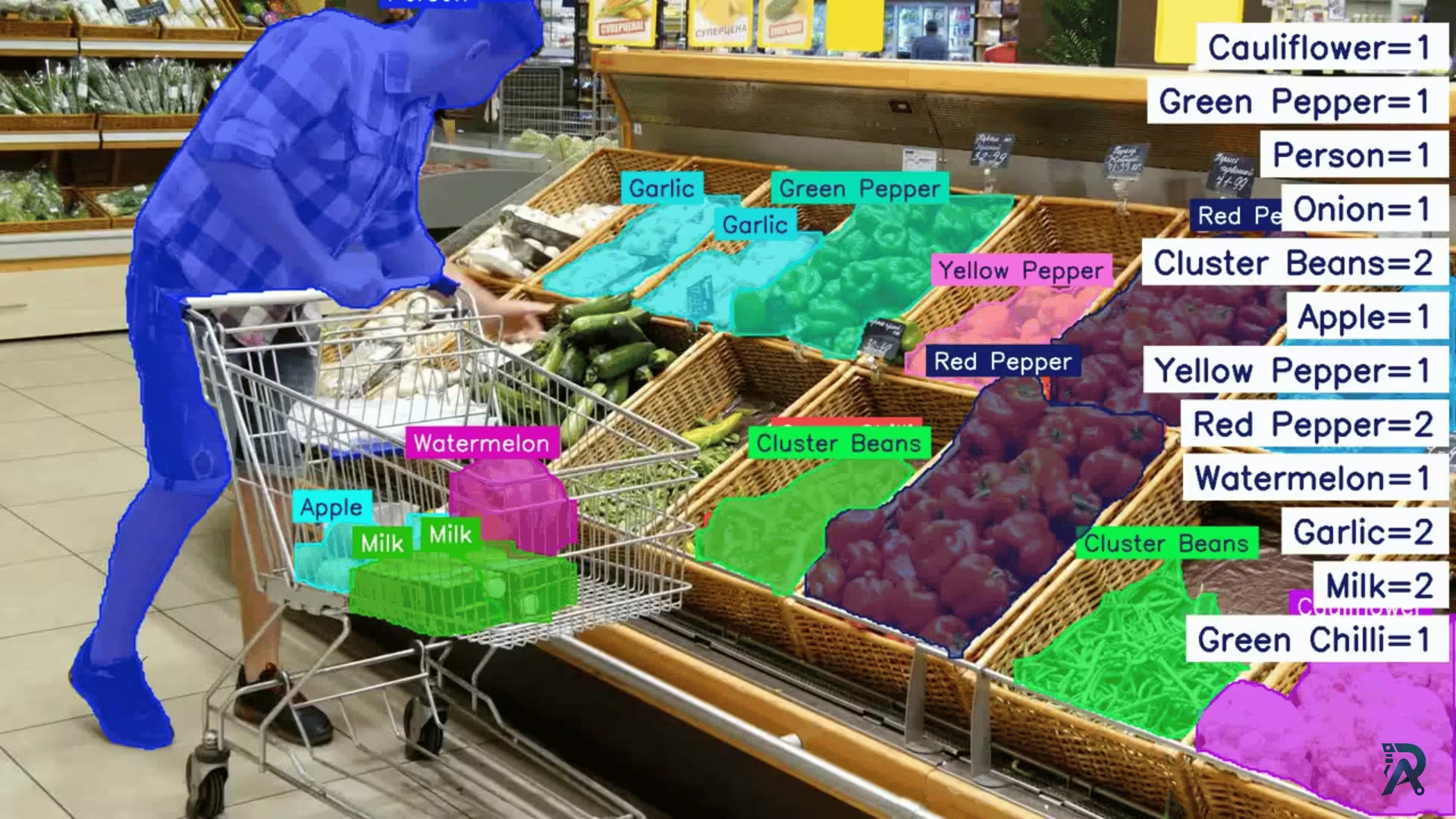
Discover how to leverage the power of Ultralytics YOLO11 to achieve precise object segmentation and counting. In this guide, you'll learn step-by-step how to use YOLO11 to streamline processes, enhance accuracy, and unlock new possibilities in computer vision applications.
System specifications used to create this project
- CPU: Intel® Core™ i5-10400 CPU @ 2.90GHz for optimal performance.
- GPU: NVIDIA RTX 3050 for real-time processing.
- RAM & Storage: 64 GB RAM and 1 TB SSD for large datasets.
- Model: Fine-tuned YOLO11 for items segmentation in trolley.
- Dataset: Custom-labeled supermarket images.
How to perform items segmentation and counting
Step 1: Train or fine-tune YOLO11
To get started, you can train the YOLO11 model on a custom dataset tailored to your specific use case. However, if the pre-trained YOLO11 model already performs well for your application, there's no need for customization, you can directly use the pre-trained weights for faster and efficient deployment. Explore the full details in the Ultralytics Documentation.
Step 2: How to draw the segmentation masks
Here we open the video, create a writer for the output, and loop over every frame. For each frame we call model.track() with persist=True so object identities carry across frames, then pull out the masks, boxes, classes, and track IDs. Each mask is drawn as a filled polygon blended at 70% opacity with cv2.addWeighted, while the Counter keeps a running tally of each class name.
# Install ultralytics package
# pip install ultralytics

import cv2
from ultralytics import YOLO
from ultralytics.utils.plotting import Annotator, colors
from collections import Counter

model = YOLO(model="path/to/model/file.pt")
cap = cv2.VideoCapture("path/to/video/file.mp4")
w, h, fps = (int(cap.get(x)) for x in (cv2.CAP_PROP_FRAME_WIDTH,
                                       cv2.CAP_PROP_FRAME_HEIGHT,
                                       cv2.CAP_PROP_FPS))

vwriter = cv2.VideoWriter("instance-segmentation4.avi",
                          cv2.VideoWriter_fourcc(*"MJPG"), fps, (w, h))
while True:
    ret, im0 = cap.read()
    if not ret:
        break

    object_counts = Counter()  # Initialize a counter for objects detected
    results = model.track(im0, persist=True)
    annotator = Annotator(im0, line_width=3)

    if results[0].boxes.id is not None and results[0].masks is not None:
        masks = results[0].masks.xy
        track_ids = results[0].boxes.id.int().cpu().tolist()
        clss = results[0].boxes.cls.cpu().tolist()
        boxes = results[0].boxes.xyxy.cpu()
        for mask, box, cls, t_id in zip(masks, boxes, clss, track_ids):
            if mask.size>0:
                object_counts[model.names[int(cls)]] += 1
                color = colors(t_id, True)
                mask_img = im0.copy()
                cv2.fillPoly(mask_img, [mask.astype(int)], color)
                cv2.addWeighted(mask_img, 0.7, im0, 1 - 0.7, 0, im0)
                annotator.box_label(box, label=str(model.names[int(cls)]),
                                    color=color,
                                    txt_color=annotator.get_txt_color(color))

    # >>> STEP 3: insert the count-display block here <

    vwriter.write(im0)
    cv2.imshow("Ultralytics YOLO11 Segmentation", im0)

    if cv2.waitKey(1) & 0xFF == ord("q"):
        break

vwriter.release()
cap.release()
cv2.destroyAllWindows()
Step 3: Count segmented objects
We already build object_counts and increment it inside the loop in Step 2. Now we render those totals on-screen. Drop the block below at the # >>> STEP 3 <<< marker, right after the mask loop, just before vwriter.write(im0):
# Display total counts in the top-right corner
x, y = im0.shape[1] - 200, 30

for i, (label, count) in enumerate(object_counts.items()):
    text = f"{label}={count}"
    font_scale = 1.4
    font_thickness = 4
    padding = 15
    text_size, _ = cv2.getTextSize(text, cv2.FONT_HERSHEY_SIMPLEX,
                                   font_scale, font_thickness)
    rect_x2 = im0.shape[1] - 10
    rect_x1 = rect_x2 - (text_size[0] + padding * 2)

    y_position = y + i * (text_size[1] + padding * 2 + 10)
    if y_position + text_size[1] + padding * 2 > im0.shape[0]:
        break
    rect_y1 = y_position
    rect_y2 = rect_y1 + text_size[1] + padding * 2
    cv2.rectangle(im0, (rect_x1, rect_y1), (rect_x2, rect_y2),
                  (255, 255, 255), -1)
    text_x = rect_x1 + padding
    text_y = rect_y1 + padding + text_size[1]
    cv2.putText(im0, text, (text_x, text_y), cv2.FONT_HERSHEY_SIMPLEX,
                font_scale, (104, 31, 17), font_thickness)
It's time to watch the Output 🚀
Applications in retail
- Smart Inventory Management: Categorize items and track movement effortlessly.
- Retail Analytics: Gain insights into customer behavior and product popularity.
Explore more
Transform your retail operations with YOLO11 today! 🚀
FAQs
- Q:Can YOLO11 count items in a real shopping trolley?
- A:Yes. With a model fine-tuned on supermarket product images, YOLO11 segments each item and a Counter tallies them per class in every frame.
- Q:Do I need to train my own model?
- A:Not always. If the pretrained weights detect your products well, use them directly. For specific packaging or SKUs, fine-tune on a custom labeled dataset.
- Q:What hardware do I need?
- A:This was built on an Intel i5 CPU with an NVIDIA RTX 3050. A GPU enables real-time speed, but it runs on CPU at lower FPS.
- Q:What is the difference between detection and segmentation here?
- A:Detection gives bounding boxes; segmentation gives pixel-level masks, which is more accurate for counting overlapping items in a packed trolley.
Related posts
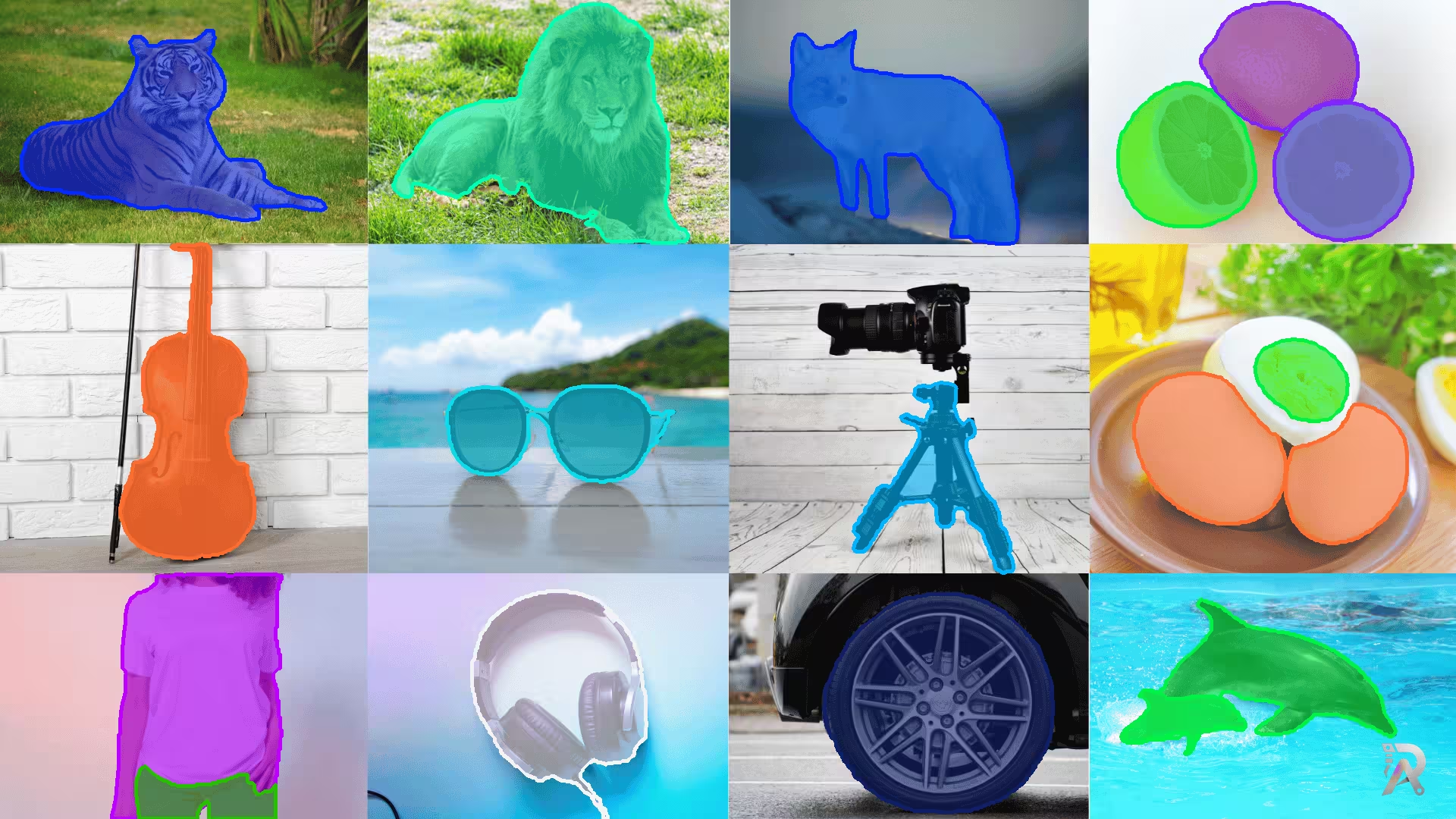
How to generate accurate segmentation masks using object detection and Meta SAM2
Learn how to generate segmentation masks with object detection and SAM2 models for advanced image processing tasks.
Read article →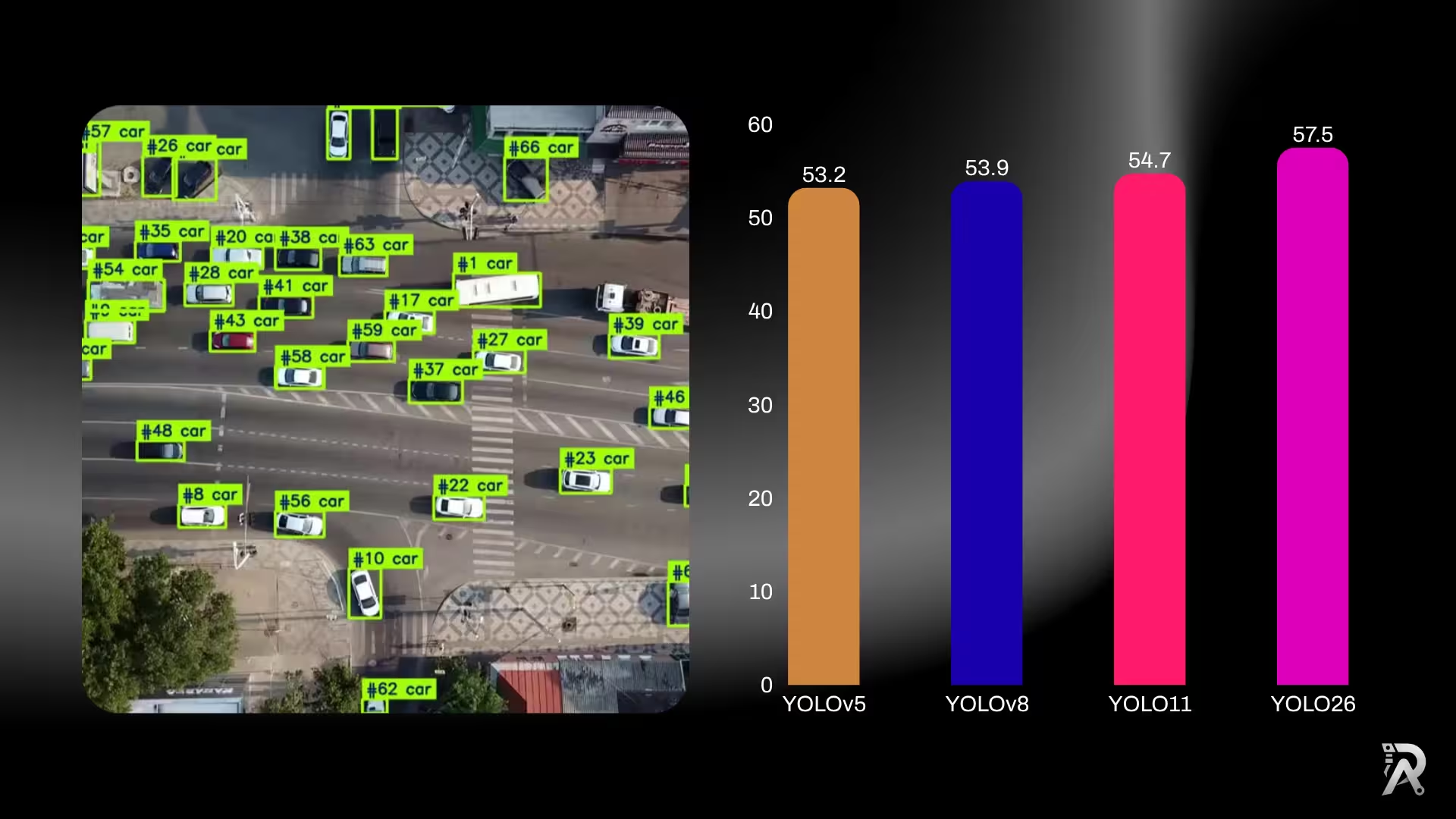
YOLO26 vs YOLO11 vs YOLOv8: which one should you use?
Six generations of YOLO side by side: published accuracy and parameter counts for YOLOv5, YOLOv8, YOLOv9, YOLOv10, YOLO11 and YOLO26, what actually changed between them, and a straight answer on which one to use for detection, edge deployment, or transfer learning.
Read article →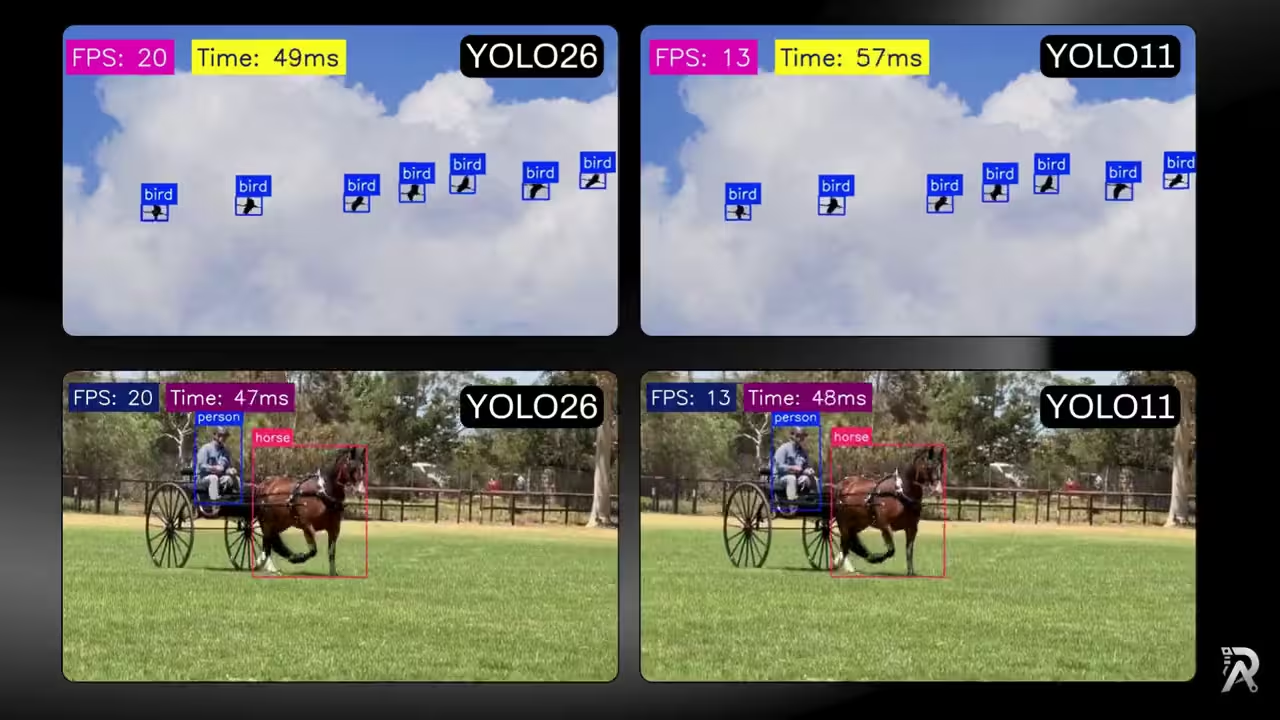
YOLO26 vs YOLO11: ONNX speed, FPS and latency benchmark
Build one small, reusable class that runs Ultralytics YOLO26 and Ultralytics YOLO11 as ONNX models, draws clean detections, and overlays live FPS and latency so you can compare their real-time speed on the exact same footage.
Read article →
Computer Vision Engineer and top contributor to the YOLO project, building production AI and deep learning systems.
My course on LinkedIn LearningHands-On AI: Computer Vision Projects with Ultralytics and OpenCV